Level complete sounds for a fitness app promo: how to pick
Level complete sounds for a fitness app promo do one small job: they tell the viewer "you did it" in about two seconds. Pick the wrong one and your promo feels like a mobile game ad. Pick the right one and a finished workout or a closed ring feels earned. This guide shows how to choose a sound, place it in a 30 second edit and match it to the right license, using real sounds from the Wavecrate catalog.
Why a completion sound helps a fitness promo
Most fitness apps sell progress. Streaks, rings, badges and personal bests are all "level complete" moments. A short sound on the screen where that moment appears gives the viewer a payoff they can hear, not only read.
The sound also works as punctuation. Your promo probably moves from problem, to app screen, to result. A completion sound marks the jump to the result without a line of voiceover. On Wavecrate, you can play short completion sounds one after another and read each one's license before you pick.

What to check before you download
Four things matter more than the name of the sound.
- Length. Two or three seconds is enough. A longer sound fights your music and your voiceover.
- A clear rise. Completion sounds climb. A falling tone reads as a miss.
- A clean ending. The sound should stop, not smear into noise, so you can land it on a beat.
- Format. The sounds below come as a 24-bit WAV master and a 320 kbps MP3. Take the WAV for the edit. Other items may offer different files, so read the page.
The game sound effects page has a length filter with an "Under 10 s" option, which removes anything too long in one click.
Real sounds to try: fanfares, power-ups, chimes and risers
Fanfares
Level Complete, Medium, Warm (Game, 0:02) is described as "a short chiptune fanfare for finishing a level". It is the most literal match for the phrase. Level Complete, Long, Warm (0:03) has the same description, and its page says it comes from the sound design of the film "Wearables: Wrist" and carries the tags wearable and fitness tracker. That is a close fit for an app that pairs with a watch.
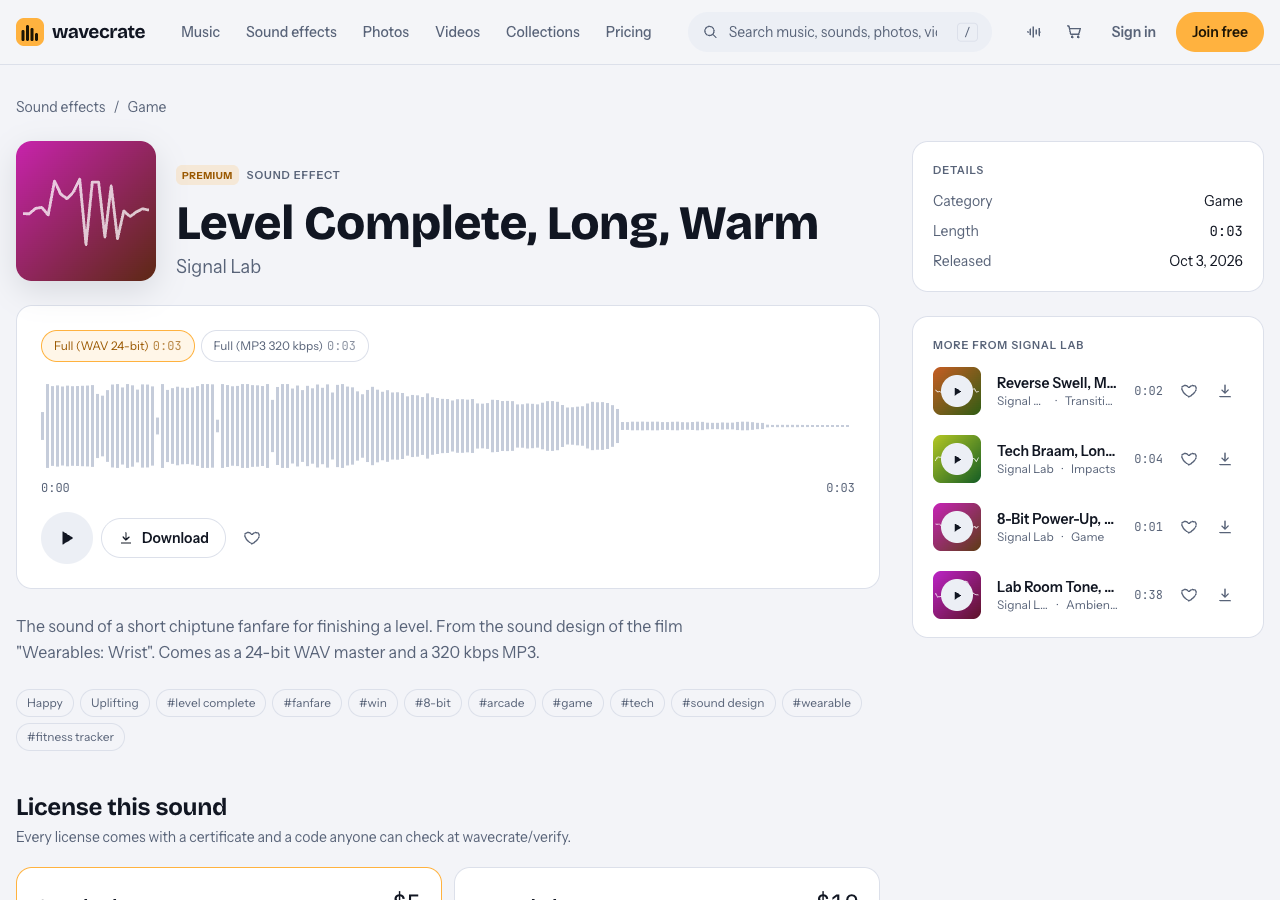
The Level Complete, Long, Warm page, read on 12 October 2026.
Both fanfares carry a retro-game flavor. That suits a playful, gamified running app. It may feel wrong for a serious strength-training brand, which is why a softer option is below.
Power-ups for small wins
8-Bit Power-Up, Medium, Bright (0:01) is "a rising chiptune arpeggio as a player powers up". Use a short sound like this for small wins, such as each logged set, and save the longer fanfare for the finish. Coin Pickup (0:01) is another one-second option, and it is marked Free.
A chime for a calm brand
Success Chime (Interface, 0:02) is described as "a clean, ready-to-drop interface sound for win and complete moments". It is marked Free, so it is the easiest one to test with a free account. It suits a quiet, minimal app where the reward is a soft "done".
A riser to build toward the finish
Digital Riser, Long, Bright (Transitions, 0:04) is "a synth and noise riser climbing in pitch with an accelerating data stream, peaking on the cut". Put it under the last seconds of a hard workout, then land the completion sound on the peak.
Match the sound to the moment and the brand
Think in three tiers, from small to large.
- Micro win: one rep, one lap, one tap on "log workout". Use a one second pickup or power-up.
- Session complete: the workout ends and the summary appears. Use a two or three second fanfare or chime.
- Big milestone: a streak, a badge, a new personal best. Use a riser into the fanfare.
Then match the tone. A playful, social app can lean on the chiptune sounds. A premium, minimal app is better served by the chime. Do not mix more than two sound families in one promo: a chime, a power-up and a fanfare in the same 30 seconds sound like three different apps.
How to time and mix the sound in a 30 second edit
Here is a worked example for a 30 second promo.
- 0 to 8 s: the problem. A person skips workouts. Quiet music, no effects.
- 8 to 18 s: the app. Screen recordings of the workout flow. Add the one second power-up each time a set is logged.
- 18 to 24 s: the build. Start the riser about four seconds before the finish screen and cut on its peak.
- 24 s: the finish screen appears and the fanfare hits on the same frame.
- 24 to 30 s: logo and call to action. Let the music resolve.
A few mixing habits help:
- Line the start of the sound up with the visual change. A sound that arrives late reads as a mistake.
- Duck your music a little for the two seconds the fanfare plays, so it stays clear.
- If your music has a steady tempo, nudge the sound onto a beat.
- Keep the effect below your voiceover. It is an accent, not the headline.
- Check the mix on phone speakers as well as headphones, since a promo for an app is often watched on a phone.
License for level complete sounds for a fitness app promo
A promo for a commercial app raises licensing questions, so read this before you export. Wavecrate's pricing table is the source for what each license covers, and the site has no longer license agreement to fall back on, so anything the table does not name should be treated as not covered. Paid licenses are not on sale yet: Wavecrate says purchases open soon, so the prices below are the listed prices for when sales open, while items marked Free can already be downloaded with a free account.
- Free: only on items marked Free. It covers online videos and podcasts, with a credit line in your description, and a free account gets 3 free downloads a month. It does not list your own business and brand content.
- Standard: no credit line, all online platforms, and your own business and brand videos. Registered channels are printed on the certificate. Pro includes Standard licenses for the whole catalog.
- Extended: adds paid advertising and TV or radio broadcast, apps, games and software, and client work.
Now take one item through three uses. On 12 October 2026 both Level Complete sounds were marked Premium, with Standard listed at $5 and Extended listed at $19 on each page and no Free license at all.
- Posted on your own channels as your app's promo. This is your own business and brand content, so it needs Standard. Free is not enough here, and these sounds have no Free license anyway.
- Run as a paid ad. Paid advertising is Extended. The pages do not define paid advertising any further, so a boosted post counts as one.
- Made for a client, or played inside the app. Client work is Extended, and so is "apps, games and software", which is where a sound that plays when a user finishes a workout falls.
Pro covers Standard only, so it does not cover the second or third use. The pages do not mention live events, such as a launch screening, so treat those as not covered. If a use sits between two rows, take the higher license.
You do not own the sound: you get a license, and Wavecrate keeps the copyright. Every download comes with a certificate and a code. Paste the code in your video description and anyone can check it on the verify page. Read the item page on the day you download.
Where to find them on Wavecrate
Start in the game sound effects. On 12 October 2026 that category listed 10 sounds, including both Level Complete sounds, 8-Bit Power-Up and Coin Pickup. Listed prices differ by item: Coin Pickup showed Standard $3 and Extended $9, while the Level Complete sounds showed $5 and $19, so read the card on the page you pick.
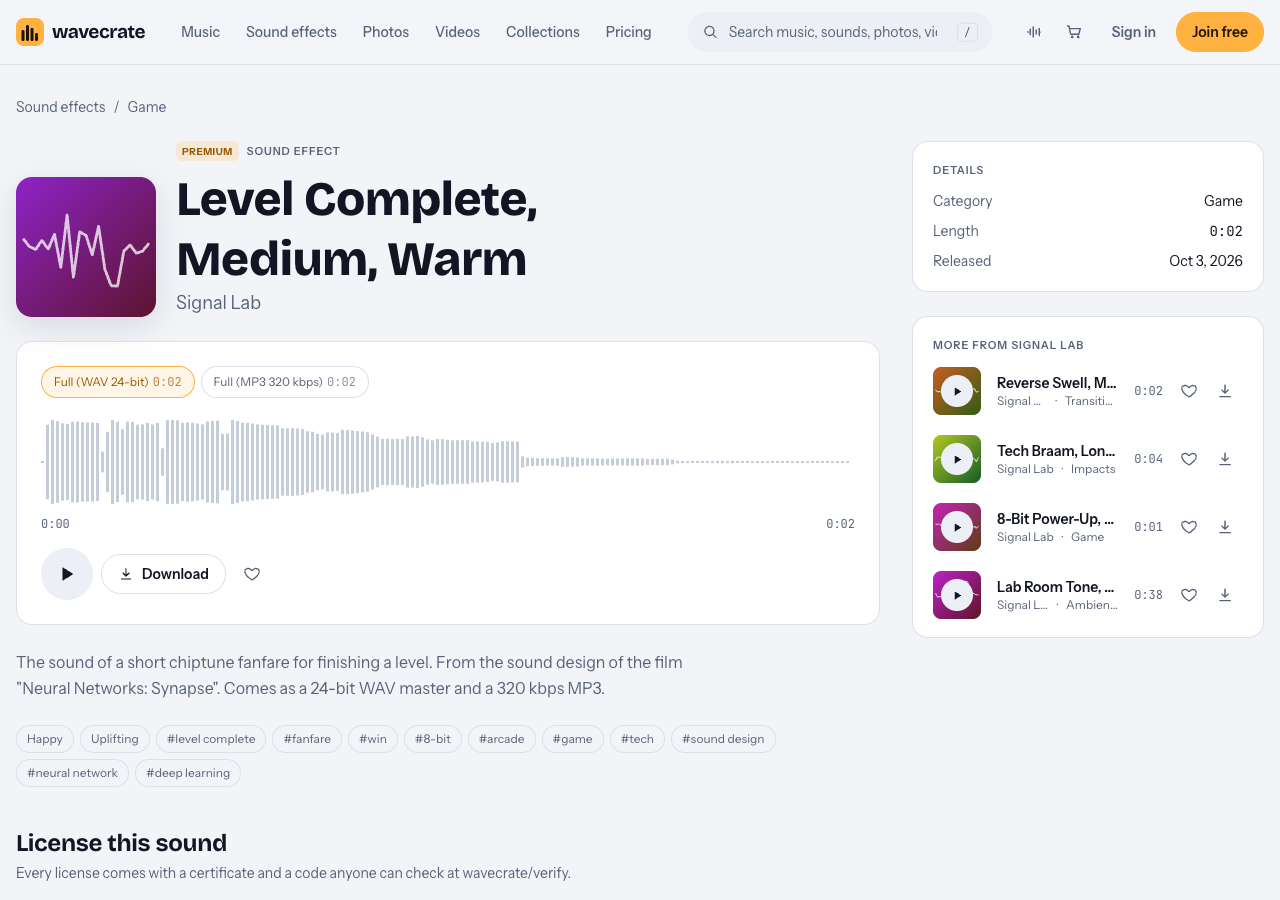
The Level Complete, Medium, Warm page, read on 12 October 2026.
For a softer feel, try the interface sounds. The Interface sound kit collection holds six sounds, and five of them were marked Free that day, including Success Chime. A Free item still follows the Free license, with credit, and only for online videos and podcasts.
A practical way to shortlist: download your free picks first, drop them on the timeline and keep the one that sounds best against your music. Then decide which license the final export needs.
Frequently asked questions
How long should a level complete sound be in a promo?
Two or three seconds is enough. A short sound hits cleanly on a cut and leaves room for your music and voiceover.
Can I use a free sound effect in a fitness app promo?
Only if the item is marked Free, and only for what the Free license covers: online videos and podcasts, with a credit line. Your own business content needs Standard, and paid ads, client work and in-app use need Extended.
Does Pro cover paid ads or sounds inside my app?
No. Pro gives Standard licenses only, so paid advertising, apps and client work need Extended.
Do I own the sound after I download it?
No. You get a license to use it, and Wavecrate keeps the copyright. Each download comes with a certificate and a code you can share.
Get started
Browse Wavecrate: you can join free and download items marked Free now, paid licenses are not on sale yet (purchases open soon), and every download comes with a license certificate and a code anyone can check on its verify page.
Pick one completion sound and one build sound, test them against your edit, then match the license to how you will publish. You can sign up here for a free account.


Comments
No comments yet.
Sign in or make an account to comment.