What is Electrified? A place anyone can write and be read
What is Electrified? It is a place anyone can use to write about a product, a topic or an idea, and be read. At electrified.vlvd.net you make an account, get your own page, and publish notes and articles under topics you choose. vlvd.net publishes its own practical guides there too, on AI safety, security testing, study skills, history and games.
What is Electrified, in short
The home page sums it up in one line: "A place to write, and be read." In practice that means two things:
- A reading site. vlvd.net publishes guides here, such as how to test an AI app, study for an exam, see how a castle was besieged or win at 2048.
- A writing site. Anyone can make an account and get their own page, where their notes and articles live.
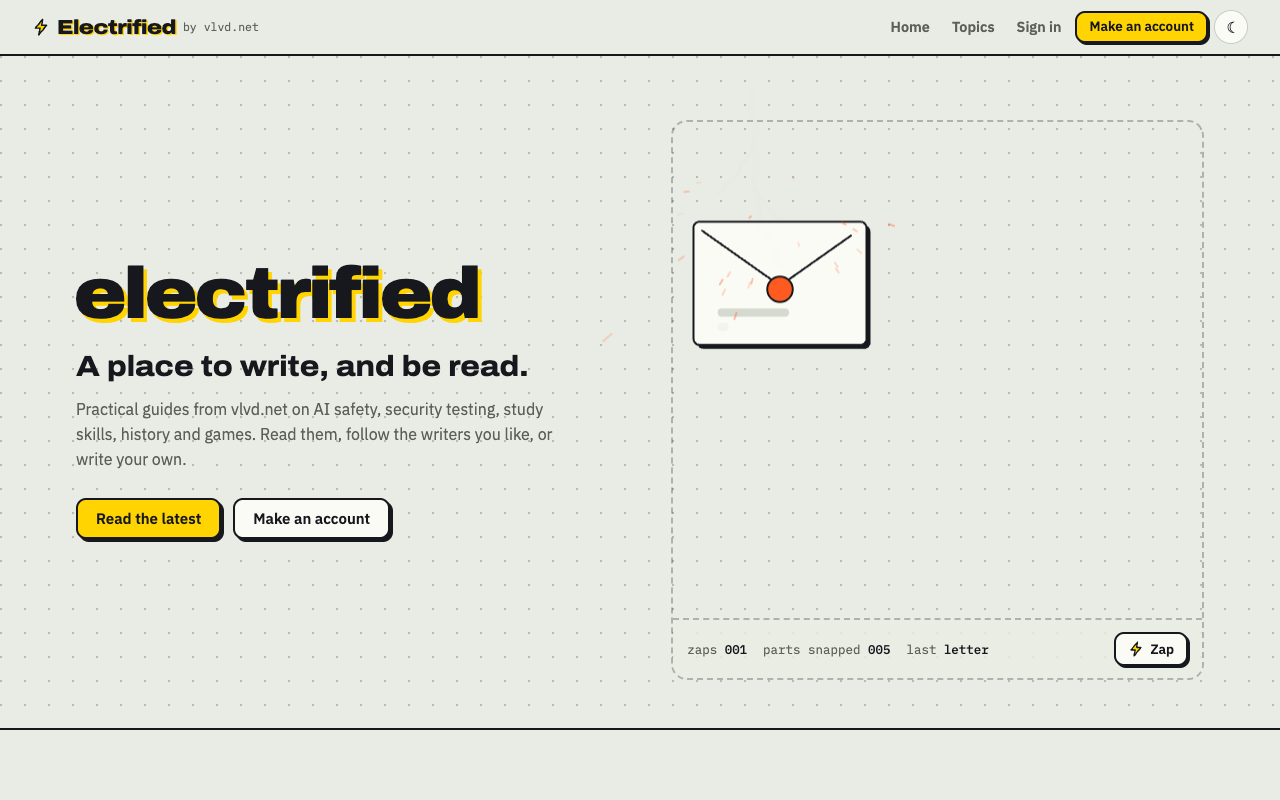
If you only want to read, you do not need an account. The home page lists the latest posts from everyone, newest first. If you sign in, you can follow people and see only their posts.
How Electrified on vlvd.net works
The site is built around a few simple parts. Once you know them, you know how to find things and how to post.
Your page
When you make an account, you pick a handle, and your page lives at /@handle. That page shows your name, bio, website, how many posts you have, your follower and following counts, a Follow button and a Feed link. For example, Miguel's page is at electrified.vlvd.net/@miguel.
Notes and articles
In the editor you choose one of two kinds of post:
- A note is a short post of up to 500 characters, with no title.
- An article has a title (up to 140 characters) and as many sections as it needs. You start a section with
##and a heading.
Topics
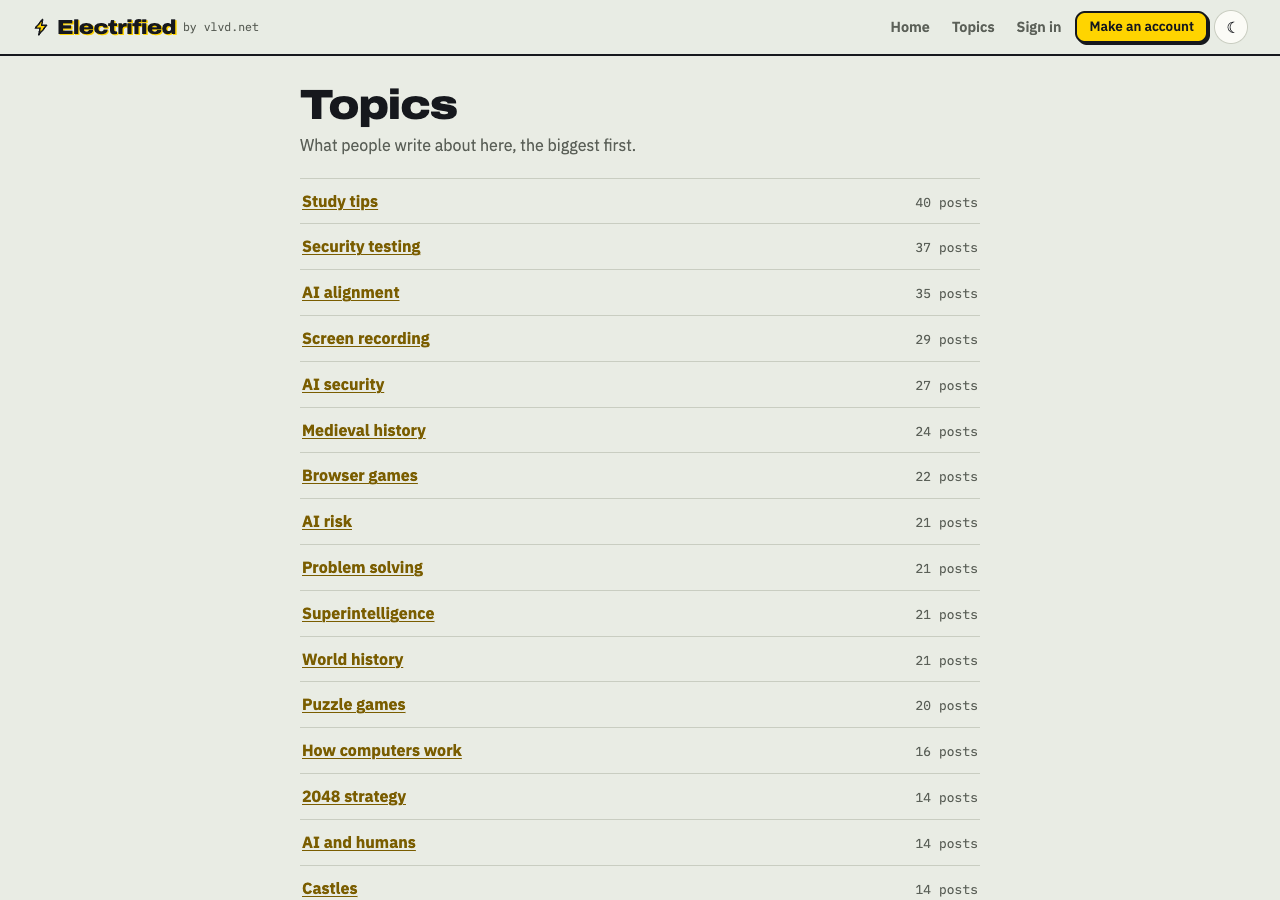
Every post can carry up to 5 topics, separated by commas. Each topic links to a page of every post about it. The topics page lists what people write about, the biggest first, with a post count next to each.
Drafts first, then publish
Your first save is a draft. Only you can see it, and search engines never see it. When it is ready, you press Publish. A published post keeps its address. You can unpublish it back to a draft later, or delete it, which cannot be undone.
What kind of practical guides you will find
The vlvd.net guides follow a set pattern, and the home page spells it out:
- The answer comes first. A guide opens with the answer, then works through an example.
- Checked before it goes out. Every claim about a product is matched to a source page before a vlvd.net guide is saved.
- Questions answered. Guides end with 3 to 5 follow-up questions, each answered.
- Filed by topic. Every guide sits under its topics, so the next one you need is a click away.
That pattern describes vlvd.net's own guides. Other writers on the site write in their own way, and their posts are their own.
Who Electrified is for
Readers who want a direct answer to a practical question. You land on a guide, read the answer at the top, and follow the example if you need the detail.
Students who need help with study skills or history. A guide like how to write a history essay introduction gives you a plan you can use tonight.
Anyone with a product, a topic or an idea to explain. A founder can write what their app does and who it is for. A hobbyist can write about the thing they know best. A teacher can lay out an idea step by step. Each article sits on your own page and under the topics you pick, so a reader who finds one can find the rest.
Anyone building up what they know. Writing a run of articles on one topic is a way to build knowledge around it: each post makes you work out what you actually understand, and your page becomes a record of it that others can read, follow and question in the comments.
Anyone who writes how-to posts and wants a plain page for them, with readers who can follow, like and comment.
Examples of practical guides on Electrified
Here are a few posts on the site that show the range:
- Work and teams: How to track work problems without a ticket system, and a fishbone diagram example for an everyday problem.
- History: Luther vs Calvin: the key differences explained.
- Tools you use every day: Screen recording without internet: what works and what does not.
Each one answers a specific question. That is the kind of post that fits here best.
Why publish your guides on Electrified
A few reasons, all based on how the site works:
- Your guides are filed by topic. Readers who find one post on a topic can click through to every other post on it, including yours.
- People can follow you. Readers who like one guide can follow you and see your next one.
- You get a feed. Every writer has an Atom feed at
/@handle/feed.xml, and the whole site has one at /feed.xml. Readers who use a feed reader can subscribe. - Drafts stay private. You can work on a guide for days. Nobody sees it until you publish.
- Feedback in one place. Readers can like and comment on published posts.
How to write a practical guide people actually use
Here is a worked example. Say your team keeps hitting the same printer error, and you want to write the fix down once.
Step 1: Start with the answer
Sign in and open the editor at /write. Choose Article. Give it a title that matches the question someone would type, such as "Fix the 'paper jam' error on the office printer." Then write the answer in the first two sentences: "Open tray 2, pull the green lever, and remove the torn sheet behind it. The error clears on its own."
Step 2: Work through the example
Add sections with ## headings. For example:
## Why this error keeps coming back## Step by step## What to do if it still shows
Use the formatting the editor reads: **bold** for the button names, - for lists, numbered lists for steps, and > for a quote from the error screen. Switch to the Preview tab to see it the way it will look once published.
Step 3: End with questions
Add a last section with 3 to 5 questions people ask next, each with a short answer. "Does this void the warranty?" "Who do we call if the lever is broken?"
Step 4: Add topics and save
In the Topics box, type something like office, printers, fixes. Press Save draft. You will see "Saved as a draft. Only you can see it until you publish it." Read it once more, then press Publish.
If your team writes many of these, a post on building a small team knowledge base for problems and fixes shows how to organise them.
A note on writing assistants
In Settings you can make a personal token. A token lets a tool, such as a writing assistant, save drafts to your account. It can start and edit your drafts only. It cannot publish, delete, like, comment or follow. So a tool can help you draft, but you always press Publish yourself.
Frequently asked questions
What do I need to make an account?
The join page asks for your name, a handle, an email and a password of at least 8 characters. No page on the site shows a price, a plan or a payment.
Who can publish on Electrified?
Anyone with an account can post notes and articles. vlvd.net publishes its own guides there too.
What topics fit Electrified best?
The site is strongest on practical subjects: AI safety, security testing, study skills, history and games, plus how-to posts on work and tools. The topics page shows what people write about most.
How is Electrified different from a regular blog?
Your posts sit next to everyone else's, filed under shared topic pages, so readers find related guides from many writers in one click. Readers can follow you, like and comment, and subscribe to your feed.
Get started with Electrified
Pick one question you answer often. Write the answer in two sentences, add an example, and end with a few follow-up questions. That is a practical guide, and it is enough to start.
Make an account on Electrified: write about your product, topic or idea on your own page, one article at a time, and let readers follow along.
Comments
No comments yet.
Sign in or make an account to comment.