Loading Progress Bar: How It Knows How Far Along It Is
A loading progress bar knows how far along it is by doing one sum: work done divided by total work. In a browser the work is usually bytes, and the total comes from the server, which states each file's size before sending it. When the total is known, the bar is honest. When it is not, the bar has to wait, guess or spin, which is why some bars glide, some jump and some sit near the end for a while.
You can watch a real one in Tank City Reboot, a free tank game that plays in your browser on a computer or a phone with no account: press Play and a thin bar fills while the game downloads, and this post walks through exactly what that bar adds up.
Work done divided by total work
Every honest bar runs done / total. The answer is a number from 0 to 1. Times 100 it is a percentage; times the bar's width it is how many pixels to fill.
The sum is easy. Choosing what to count is the hard part. You can count bytes, files, steps or seconds, and each gives a different bar for the same job. Say a page loads two files, one small and one large. Count files, and finishing the small one puts the bar at 50% though most of the wait is still ahead. Count bytes, and the bar matches the wait much better. That is why most download bars count bytes.
Where the total comes from: Content-Length
When a server sends a file it can include a header that says how big it is. MDN's Content-Length page describes it as the size, in bytes, of the body being sent. That number is the total. Each piece that arrives adds to the done count, and the bar moves.
The same page names the catch: the size must be known before the headers go out, which is a problem when the content is generated or streamed as it goes. HTTP/1.1 can send such a body in chunks instead, with no length up front. Then the browser simply does not know the total.
Scripts see this as a flag. A progress event carries loaded, total and lengthComputable, and MDN says that when lengthComputable is false, total has no meaningful value. A careful loader checks the flag before it divides.
When there is no total: indeterminate bars
With no total, a percentage would be made up. The honest choice is an indeterminate indicator: a spinner, or a stripe that slides without filling. HTML has this built in. MDN's page on the progress element says a <progress> with no value is indeterminate, meaning an activity is going on with no indication of how long it will take.
The message is "something is happening, but I cannot say how much is left." That is more truthful than a bar that fills on a timer.
Why the bar stalls near the end
Most odd bars come from a few causes:
- Unmeasured work after the download. The bytes are in, but the program still has to unpack, compile or start. If that sends no progress, the bar waits.
- Uneven units. A bar that counts steps moves fast through small steps and stops on a big one.
- A total that grows. If more work turns up halfway, the same done count becomes a smaller share, and the bar can step back.
- A time estimate. "Two seconds left" divides what is left by your recent speed, so it moves whenever your speed does, even when the fraction is right.
A common fix is to split the bar: give the measured download most of it and reserve a slice for the startup work at the end. The game below does exactly that.
A worked example: the Tank City Reboot loading progress bar
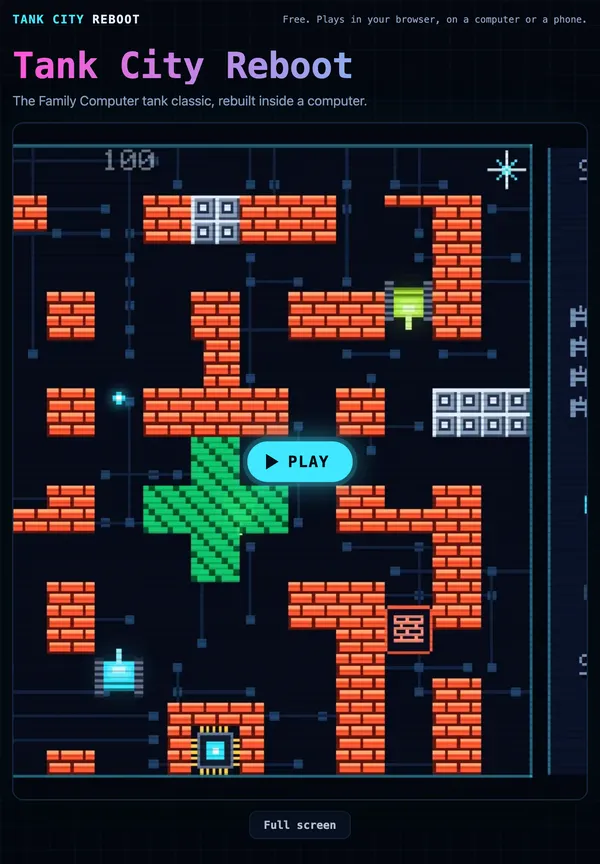
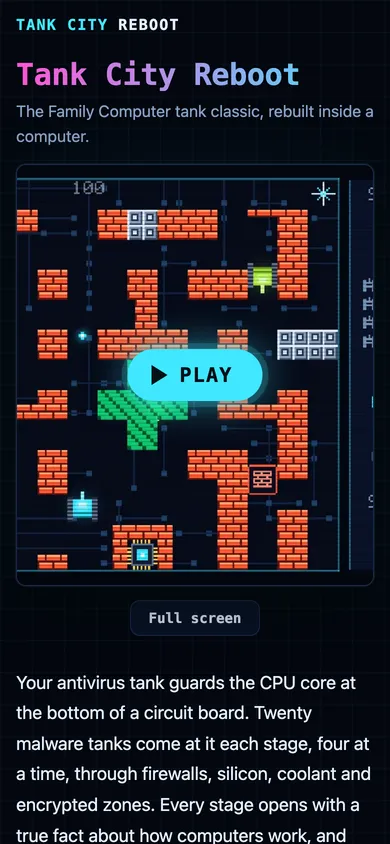
The page loads a game only when you press Play or Full screen (the post on lazy loading covers why). What happens next is in the page's own script and in the game's loader file, both of which you can open and read.
- The bar appears. The page shows a thin element with
role="progressbar"and the label "Loading the game", then adds the loader script. - The page hands over a callback. It calls
createUnityInstancewith a function that receives a numberpfrom 0 to 1 and sets the bar's fill toscaleX(p), so the fill is that fraction of the bar's width. - The loader fetches three files with progress: the code (
game.wasm.unityweb), the data and the framework. For each one it checks whether the response has aContent-Length, which tells it whether that file's size is known. - It waits for every file to start. Until all three have begun, it reports 0, so the bar never races ahead on one file.
- It adds up the bytes, then scales by 0.9. With every size known, the value is 0.9 times the bytes received divided by the total bytes. A file of unknown size counts only once it has finished.
- The last tenth is startup. When the game has actually started, the loader reports 1, the bar fills, and the page hides it and shows the game.
Now put in the real sizes. On 30 October 2026 the three files' Content-Length headers read 3,127,009 bytes for the code, 1,025,461 for the data and 68,935 for the framework: 4,221,405 bytes in all. When 2,110,702 bytes have arrived, half the total, the bar reads 0.9 times 0.5, which is 45%. When the last byte lands it reads 90%, and it stays there while the game starts.
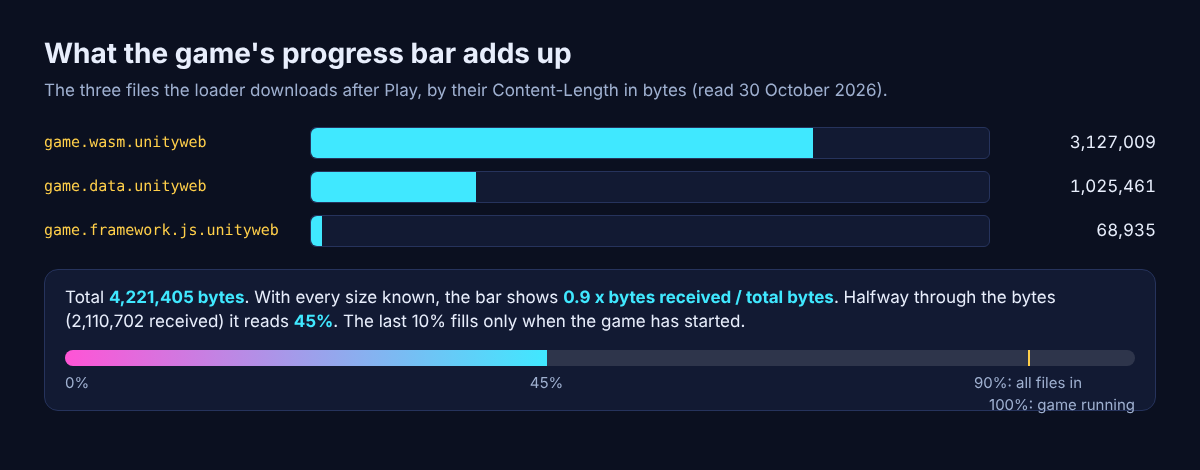
So when the bar pauses near nine tenths, nothing is stuck. The download is done, and the browser is turning the code into a running game, work that sends no byte counts. Reserving that slice is what keeps the bar from saying 100% too early.
Try it: open your browser's developer tools, go to the Network tab, press Play, and watch the three files arrive with their sizes. The second game, Tank City Zero Day, sits on its own page and loads its own files the same way.
Frequently asked questions
How accurate is a loading progress bar?
A bar that counts bytes against a known Content-Length is accurate about how much has arrived. Work after the download, such as starting a program, often sends no progress, so it is estimated or given a fixed slice.
Why does a progress bar sit at 90% or 99%?
Usually the download is finished and the program is unpacking or starting, which the bar cannot measure. Tank City Reboot's bar stops at 90% for exactly this reason, and fills the rest once the game is running.
What does an indeterminate progress bar mean?
It means the page knows work is happening but not how much is left. In HTML, a <progress> element with no value is drawn this way.
Why does a progress bar sometimes go backwards?
The program found more work than it first counted, so the total grew. The same done count is now a smaller share of a bigger total.
Get started
Open the game, press Play and watch the bar fill from your own connection. Then play: your antivirus tank guards the CPU core while malware tanks named for real computing ideas close in.
Play Tank City Reboot: it is free, plays in your browser on a computer or a phone, and needs no account.
The Family Computer tank classic, rebuilt inside a computer.
Visit tankcityreboot.vlvd.net↗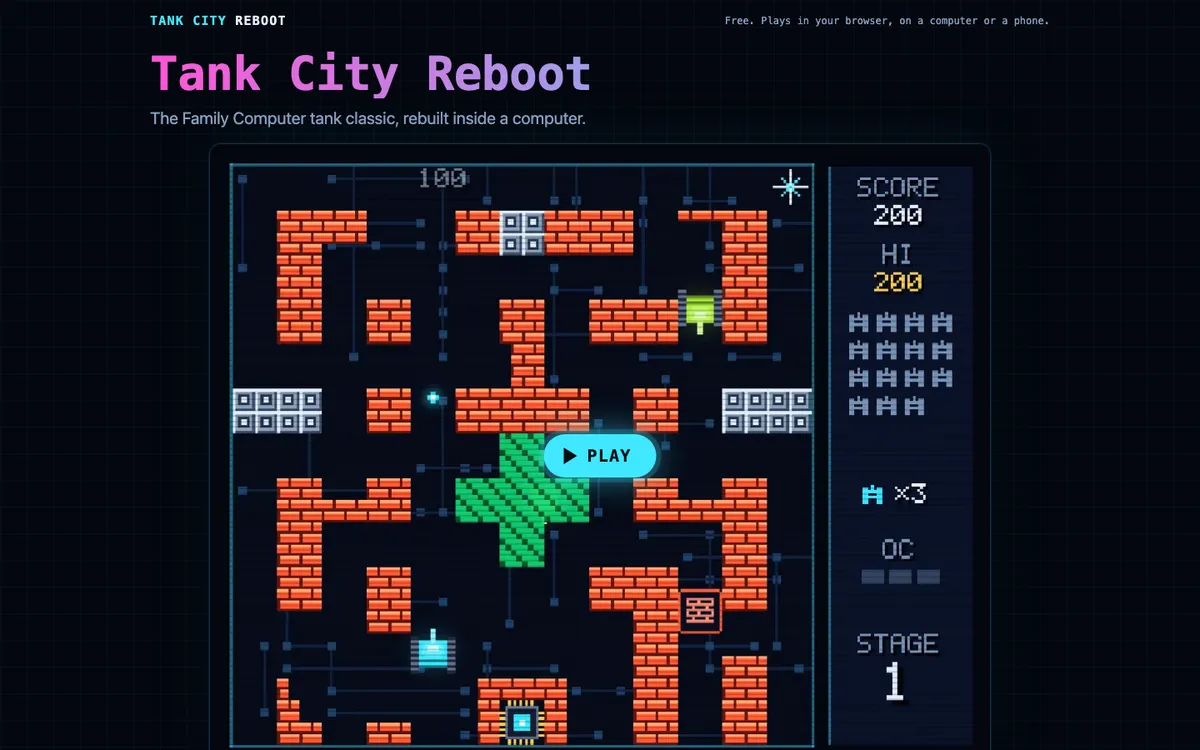
Comments
No comments yet.