What Is Lazy Loading? Why a Web Game Loads Only When You Press Play
What is lazy loading? It is a way of building a web page so that its heavy files load only when someone needs them, not the moment the page opens. It is also why a web game often loads only when you press Play: the page shows up fast, and the game arrives when you ask for it. This post walks through a real game page, with the real file sizes on each side of the Play button.
The page in question is Tank City Reboot, a free site of two original tank games that play in your browser on a computer or a phone, with nothing to install; it loads a game only when you press Play or Full screen, so you can read the rules first without waiting.
What is lazy loading, in plain words
A web page is made of many files: text, styles, scripts, pictures, and sometimes a whole game. The browser can fetch all of them as soon as you arrive. That is eager loading. Or the page can hold some files back until a trigger fires. That is lazy loading.
MDN, the reference most web developers use, puts it this way: lazy loading is a strategy to mark resources as non-critical and "load these only when needed". It shortens the critical rendering path, the work a browser must finish before it can show you the page, which means shorter load times. MDN adds that it usually happens on user actions such as scrolling and navigation.
Common triggers:
- You scroll near a picture, and only then does the browser fetch it. HTML has a built-in switch for this,
loading="lazy"on an image. - You open a tab or a menu, and its contents load then.
- You press a button, such as Play, and the game loads then.
Think of a kitchen. An eager kitchen cooks every dish on the menu when you sit down. A lazy kitchen waits for your order. It is not slower at cooking. It just does not waste work on dishes nobody asked for.
Why a web game waits until you press Play
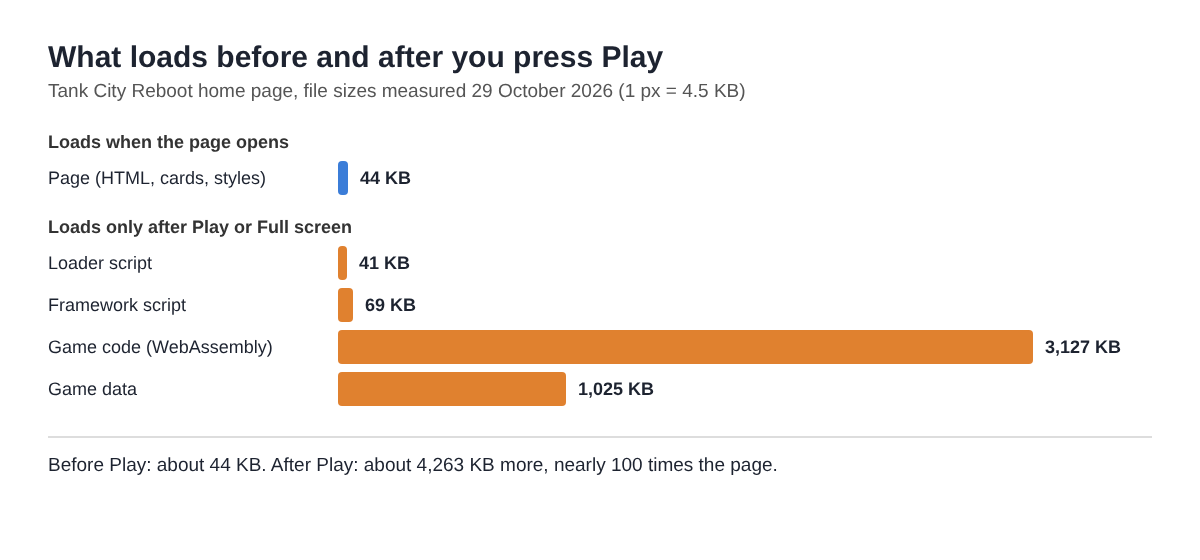
On a game page, the game is by far the heaviest thing. Here are the real numbers for the Tank City Reboot home page, measured with a plain download of each file:
- The page itself, all its words, cards and styles: about 44 KB.
- The game's loader script: about 41 KB.
- The game's framework script: about 69 KB.
- The game's code, compiled to WebAssembly: about 3.1 MB.
- The game's data: about 1 MB.
So the game is about 4.26 MB, nearly a hundred times the size of the page around it. Not everyone who opens the page wants to play at once. Some read the controls first. Some read the cards: every enemy, power-up and wall in the game is named for a real computing or security idea, and a card on the page explains each one. If the page loaded the game on arrival, every one of those readers would download 4 MB they might never use.
A worked example: what the page does when you press Play
You can follow this yourself. Open the page, open your browser's developer tools, choose the Network tab, and watch it while you press Play. The page's own script does this, in order:
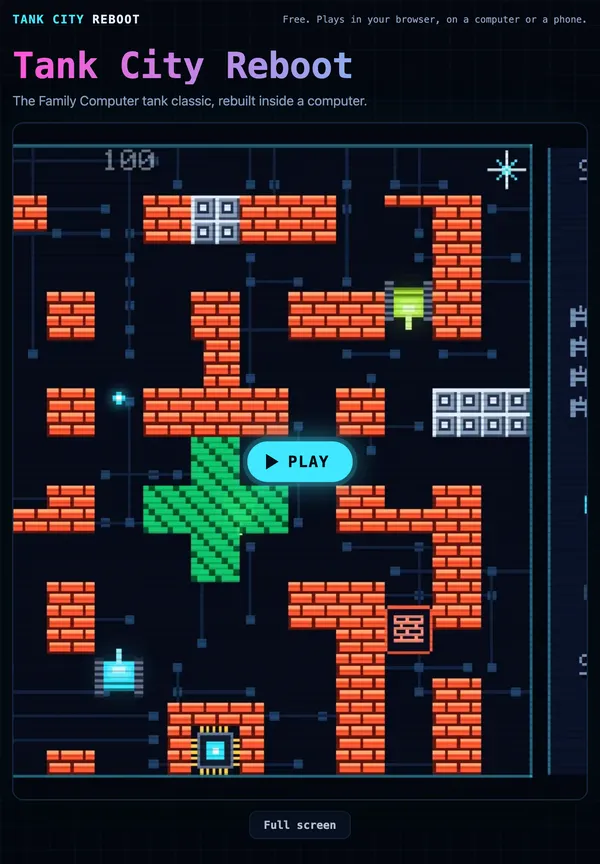
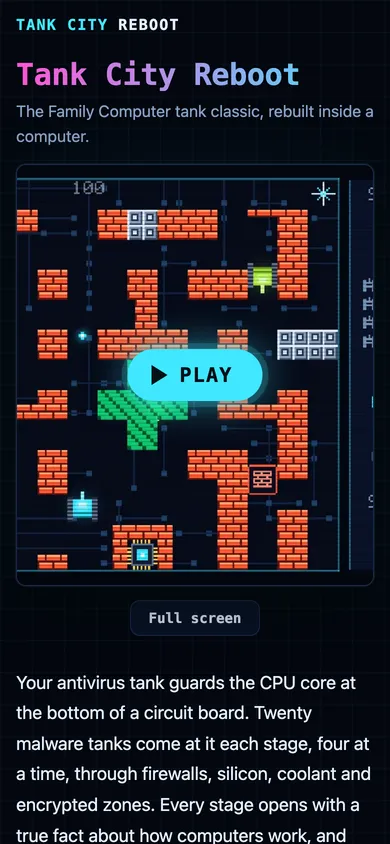
- Before you press anything, the page is just text, cards and two buttons, Play and Full screen. None of the four game files has been asked for.
- You press Play (or Full screen, which calls the same start function). The script hides the Play button. It runs only once, so a second press does nothing.
- It checks your browser first. The games need WebGL 2. If your browser cannot make a WebGL 2 drawing context, the page shows an error and downloads nothing more. Checking before the big download saves 4 MB on a browser that could not run the game anyway.
- It shows a progress bar labelled "Loading the game", then adds the loader script to the page. If that file fails, you see: "The game could not be downloaded. Check your connection, then reload the page."
- The loader fetches the other three files, the framework, the WebAssembly code and the data, and the bar fills as they arrive.
- When the game is ready, the bar disappears. On a touch screen the direction pad, Fire and Pause appear now, and not before. Then the page gives the game keyboard focus, so the arrow keys steer your tank.
In the Network tab you will see the page arrive first, then nothing heavy until your click, then the four game files after it. That gap is lazy loading.
How you would build the same pattern
The pattern fits in a few lines. Put a button on the page and listen for a click. Inside the listener, start the expensive work: add a script tag, or use a dynamic import(), which MDN describes as loading a module "only when needed". Guard it with a flag so two clicks do not load the game twice. Run any cheap checks, like WebGL 2 support, before the big download. And show progress, because the wait has moved to the moment after the click.
If you want the opposite, a file fetched as early as possible, HTML has <link rel="preload">. MDN says it tells the browser about files the page "will need very soon", so they start downloading early. The cost is data spent on visitors who may never use them.
The tradeoffs: the wait moves, it does not vanish
Lazy loading does not make the game smaller. It moves the wait to after your click.
- A pause after Play. The browser still has to fetch about 4 MB and start the game. On a fast connection that is short; on a slow one you will watch the bar.
- Patchy connections. If your signal drops after you press Play, the download can fail, and the page tells you to check your connection and reload.
- Your browser still has to be able to run it. The games need WebGL 2, which a current Chrome, Edge, Firefox or Safari provides. Lazy loading changes when the game loads, not what it needs. For more on that, read what WebGL is and how games run in a browser.
- Second visits. Browsers often keep downloaded files in a cache, so the next press of Play can be quicker. Each game file's address carries a version tag, so a new version of the game is a new address and is fetched fresh.
Lazy loading, pausing and switching tabs
Lazy loading is about the start of a game. Pausing and switching tabs are about the middle. They share one habit: do no work the player did not ask for.
Once the game runs, you can pause it with P, Enter or Escape in the first game; read what happens when you pause a game for what a pause freezes. When you switch away from the tab, the page releases every touch button, so your tank does not keep driving while you are gone. Browsers also slow hidden tabs down on their own, covered in what happens to a browser game when you switch tabs.
Frequently asked questions
Is lazy loading the same as a loading screen?
No. Lazy loading decides when files are fetched. A loading screen or progress bar is what you see while they arrive, and lazy loaded pages often show one after the click.
Why does a browser game take a few seconds after I press Play?
On a lazy loaded page, pressing Play is when the download starts. On the Tank City Reboot page that is about 4.26 MB of game files, so the time depends on your connection.
Does lazy loading save mobile data?
Yes, on visits where you only read the page, because the game is never downloaded. Once you press Play, the game loads in full.
Can I make a web game start instantly?
As a player, press Play a moment before you want to start, and let the bar fill. Developers can ask for files early with <link rel="preload">, at the cost of data for visitors who never play.
Get started
Now you know what happens behind the button. Open the page, read a few cards if you like, open the Network tab, and press Play. Use the arrow keys or WASD to move and Space to fire, or plug in a gamepad. If you want something faster, the second game, Tank City Zero Day, adds eight-way moves, dashes, upgrades and a boss every fifth wave.
Play Tank City Reboot: it plays in your browser on a computer or a phone, and needs no account.
The Family Computer tank classic, rebuilt inside a computer.
Visit tankcityreboot.vlvd.net↗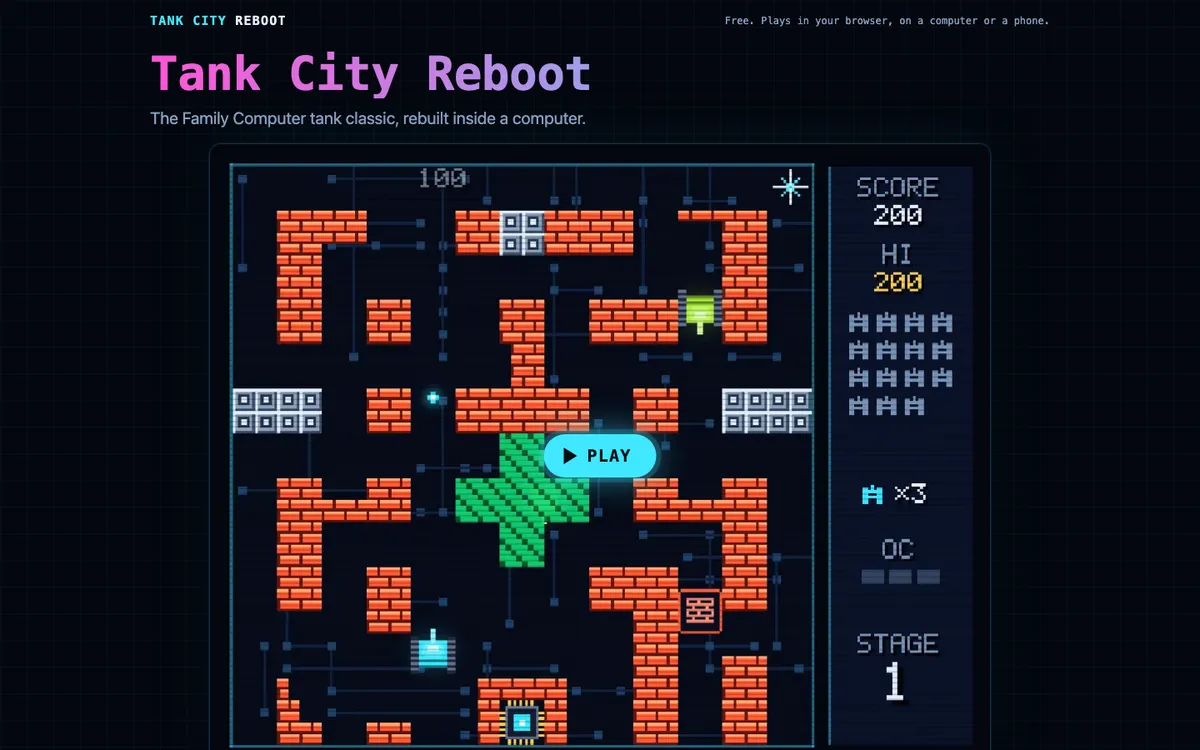
Comments
No comments yet.