Glow Effect in 2D Games: What It Is and How Soft Light Works
A glow effect in 2D games is a soft patch of light drawn behind or around a sprite so that it looks bright, hot, or charged with energy. If you are asking what a glow effect in 2D games is, the short answer is this: it is usually a second, blurry image placed behind the crisp one, colored to match and faded at the edges, so your eye reads "this thing gives off light." That soft light behind sprites is cheap to draw, and it does a lot of work telling you what matters on a busy screen.
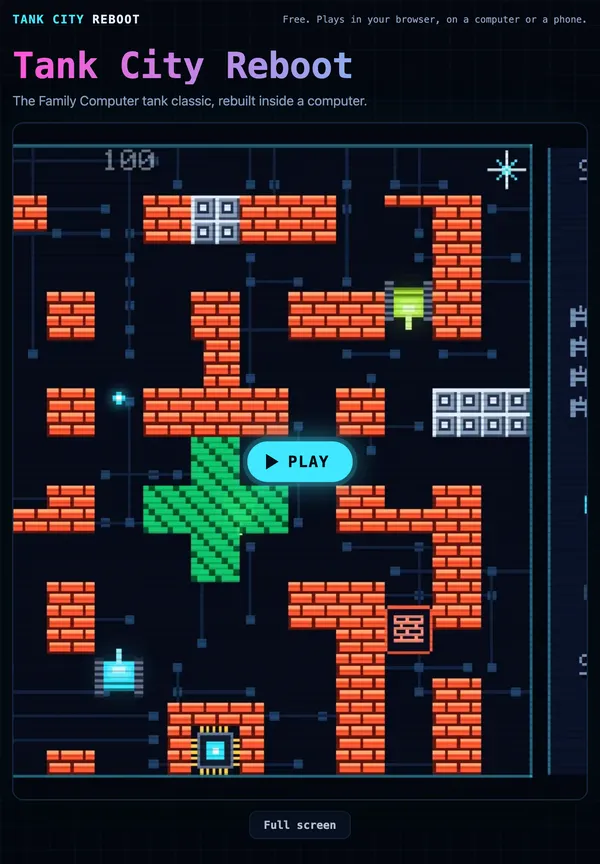
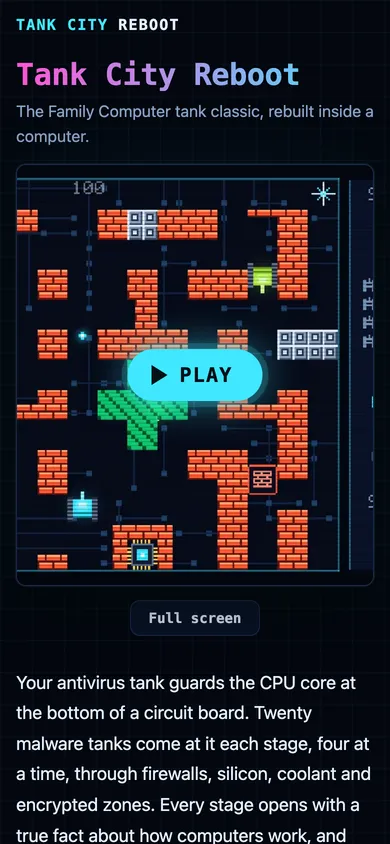
To see it in a real game, Tank City Reboot is a free pair of tank games that run in your browser on a computer or a phone. A soft glow sits behind every tank and shot, and the sharp pixel sprites stay sharp on top of it.
What is a glow effect in 2D games?
A 2D game is made of flat pictures called sprites. A sprite has hard edges, so on its own it looks like a sticker. A glow breaks that. It adds a faint halo that spills past the edges and fades into the background.
The glow is not real light. Nothing in the scene gets brighter because of it, and no shadows are cast. It is a visual hint. Your brain sees a soft bright ring and fills in the rest: that shot is hot, that object is active, that thing is dangerous.
Glow usually shows up on:
- Bullets and shots, so you can track them at speed.
- Pickups and power-ups, so they stand out from the floor.
- Shields and auras, to show a state like "cannot be hit right now."
- Explosions and sparks, for a moment of punch.
How soft light behind sprites actually works
The most common method is simple. You make a small texture that is bright in the middle and fades to fully transparent at the edges. Then you draw it behind the sprite, a bit larger, tinted to the sprite's color.
Here is a worked example you could build yourself:
- Make a 16 by 16 pixel texture. For each pixel, measure its distance from the center.
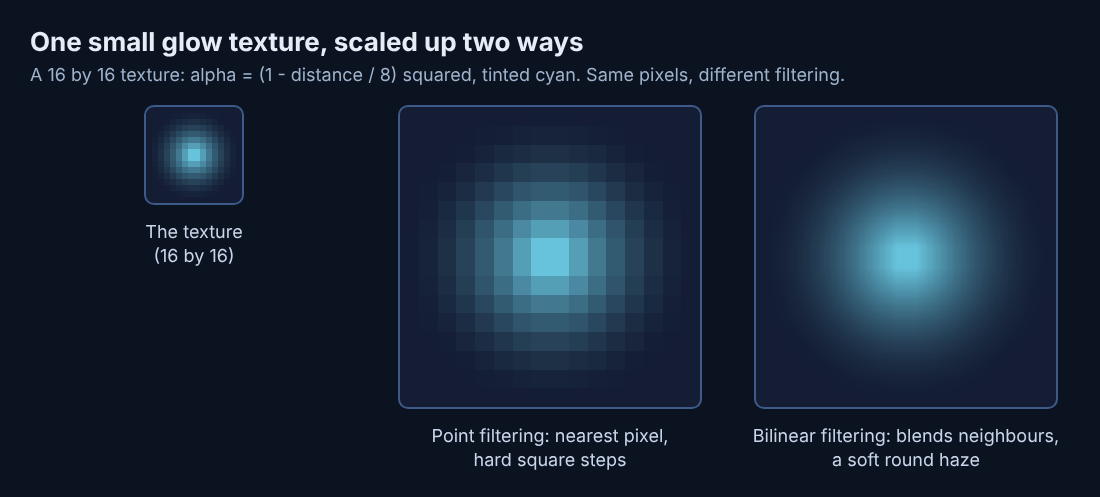
- Set the alpha (transparency) from that distance. Something like
alpha = max(0, 1 - d / 8), then square it so the falloff is gentle near the edge. - Draw that texture behind your shot sprite, scaled up two or three times.
- Tint it the shot's color and drop the overall alpha so it reads as a haze, not a solid disc.
Step 3 is where filtering matters, and the picture below shows why. When a game scales a texture up, it has to decide what color each new pixel gets. Point filtering copies the nearest pixel, which keeps hard blocky edges. Bilinear filtering blends the four nearest pixels, which gives smooth gradients. A tiny glow texture stretched with bilinear filtering turns into a soft, round haze for almost no cost. The same texture with point filtering would look like a stack of square steps. The post on point filtering covers the other side.
Draw order matters too. In most engines each sprite has a layer or sorting order. Lower numbers draw first, higher numbers draw on top. Put the glow below the sprite and the crisp shape sits cleanly on its own light. See draw order in 2D games for how layers work.
Common ways to make a sprite glow: halos, additive blending and bloom
Halos
A halo is the method above: one soft sprite behind another. It is the easiest to control because you choose exactly which objects get one, how big, and what color.
Additive blending
Normal drawing mixes a sprite's color with what is behind it based on alpha. Additive blending instead adds the colors together. Add red to blue and you get something brighter than either. That is how light behaves when beams overlap, so additive glows look more like light. The catch is that many overlapping additive glows quickly push toward pure white.
Bloom
Bloom is a whole-screen effect, applied after the frame is drawn. Wikipedia's bloom article) describes it as fringes of light spreading from the edges of bright areas, and notes it is sometimes simply called glow. The game finds the brightest pixels, blurs them, and lays the blur back over the image. You do not mark objects as glowing. Anything bright enough bleeds light. Bloom looks rich, but it costs more, because it processes the full screen every frame, and it affects everything at once.
Why glow helps players read the screen
An action game asks you to make fast choices. Glow helps by sorting the screen into what is alive and what is scenery.
- Motion is easier to track. A small shot is a few pixels. A soft halo around it makes a bigger target for your eye, so you see where it is heading.
- Importance is clear. Walls and floor stay flat. Things that can hurt you or help you get light.
- States are visible. A colored ring or aura says "shielded" without any text.
Glow is one signal among several. Blinking, color, and shape changes do the same job, and good games mix them so no single effect has to carry everything.
When glow goes wrong: clutter, washed-out colors and slow frames
Clutter. If everything glows, nothing stands out. Your eye has no clue where to look first. Save glow for the few objects that need attention.
Washed-out colors. Additive glows stack. Ten bright shots in one spot can turn a corner of the screen into a white smear, hiding the enemies inside it. Keep the glow's alpha low, or cap how bright a single spot can get.
Blurry pixel art. If you switch your whole game to smooth filtering to soften the glow, your crisp sprites go soft too. The fix is to filter each texture on its own terms.
Slow frames. Halos are cheap. Full-screen bloom with large blurs is not, especially in a browser on a phone. Every extra pass over the screen costs time.
Hidden ground. A big glow can cover the tile under an object. In a game where some ground blocks you and some does not, that is a real problem.
How Tank City Reboot uses glow on shots, pickups and terrain
Tank City Reboot builds every texture in code instead of loading image files. Almost all of them use point filtering, so tanks, walls and shots keep their hard 8-bit edges. One texture breaks that rule on purpose: the glow behind tanks and shots switches to bilinear filtering. That is the split described above. The sprite stays crisp, and only the light around it goes soft.
The game also leans on draw order. Tank bodies draw at sorting order 5, shots at 7, and encrypted zones at 8. Because encrypted zones sit above tanks and shots, a tank that drives inside one disappears from view. On top of everything, at order 50, a faint scan line overlay darkens one row of pixels in four for a retro screen look.
For pickups, the first game does not rely on glow. It uses blinking. The 4th, 11th and 18th enemy tank of each stage blink to show they carry a power-up. When the power-up drops, it waits 20 seconds and blinks during its last 4, so you know it is about to vanish. Blinking is a stronger signal than a constant glow for "act now."
Shields use a ring. When a new tank of yours arrives, or when you grab the Patch power-up, a pale cyan ring surrounds your tank. In its last 1.5 seconds the ring flickers, warning you that you are about to be hittable again. In Tank City Zero Day, the second game, the ring shows white for a timed shield and faint purple when only the Sandbox upgrade's one-hit charge is ready. Same shape, different color, different meaning.
Terrain is drawn to be read. The circuit board behind the walls shows faint trace lines. Firewall is drawn as brick, with mortar lines on a regular grid, and encrypted zones are a mottled pattern of light and dark green. Cards on the page explain what each kind of ground does, such as coolant: tanks cannot cross it, but shots fly over it. To study a frame closely, pause the game with P.
Frequently asked questions
Is glow the same as bloom?
No. A glow is usually a soft sprite drawn behind one chosen object. Bloom is a full-screen pass that blurs every bright pixel, so anything bright enough bleeds light whether you picked it or not.
Does a glow effect slow down browser games?
A simple halo costs very little, because it is just one more small sprite. Full-screen bloom costs more, since it reprocesses the whole frame, and that shows sooner on a phone than on a desktop.
Can pixel art sprites glow without looking blurry?
Yes. Keep your sprites on point filtering and give only the glow texture bilinear filtering. Tank City Reboot does this: the glow behind tanks and shots is smooth while everything else stays sharp.
How do I keep glowing objects from hiding the ground underneath?
Keep glows small and low in alpha, and draw them only on moving objects, not on terrain. If the ground type affects movement, make sure each tile has a pattern that still reads through a faint haze.
Get started: see glowing sprites in action in Tank City Reboot
The best way to understand soft light behind sprites is to watch it move. Open the first game, fire a few shots, and watch the soft haze behind each one while the pixel edges stay crisp. Then grab a Patch and watch the shield ring flicker as it runs out. Drive into an encrypted zone and notice that your tank disappears from view.
Play Tank City Reboot: it is free, plays in your browser on a computer or a phone, and needs no account.
The Family Computer tank classic, rebuilt inside a computer.
Visit tankcityreboot.vlvd.net↗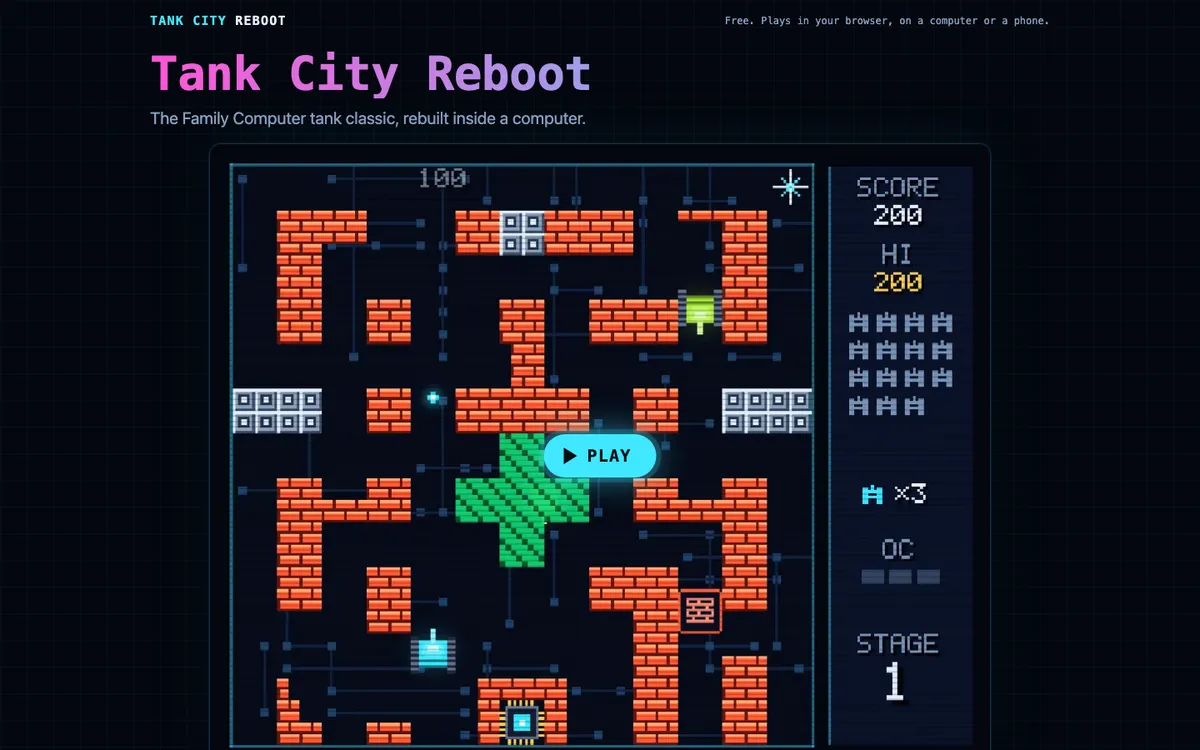
Comments
No comments yet.