Best shows 0 in a new 2048 mode: where your record went
If Best shows 0 in a new 2048 mode, your record is not lost. Evolved 2048 keeps a separate best score for each of its three modes, and a mode you have not played yet starts at 0. This post shows a live test of that, what resets and what does not, and how to get your old number back on screen.
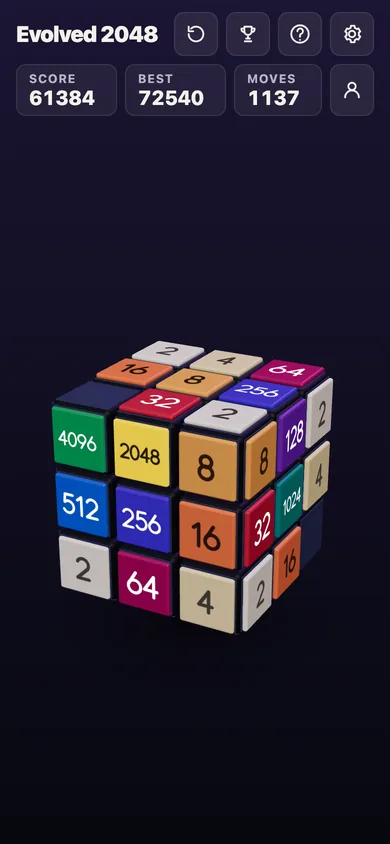
Evolved 2048 puts the 2048 puzzle on a cube you turn like a Rubik's cube: you slide the front face, twist a row to bring tiles round from the other sides, and turn the whole cube, free in your browser on a computer or a phone.
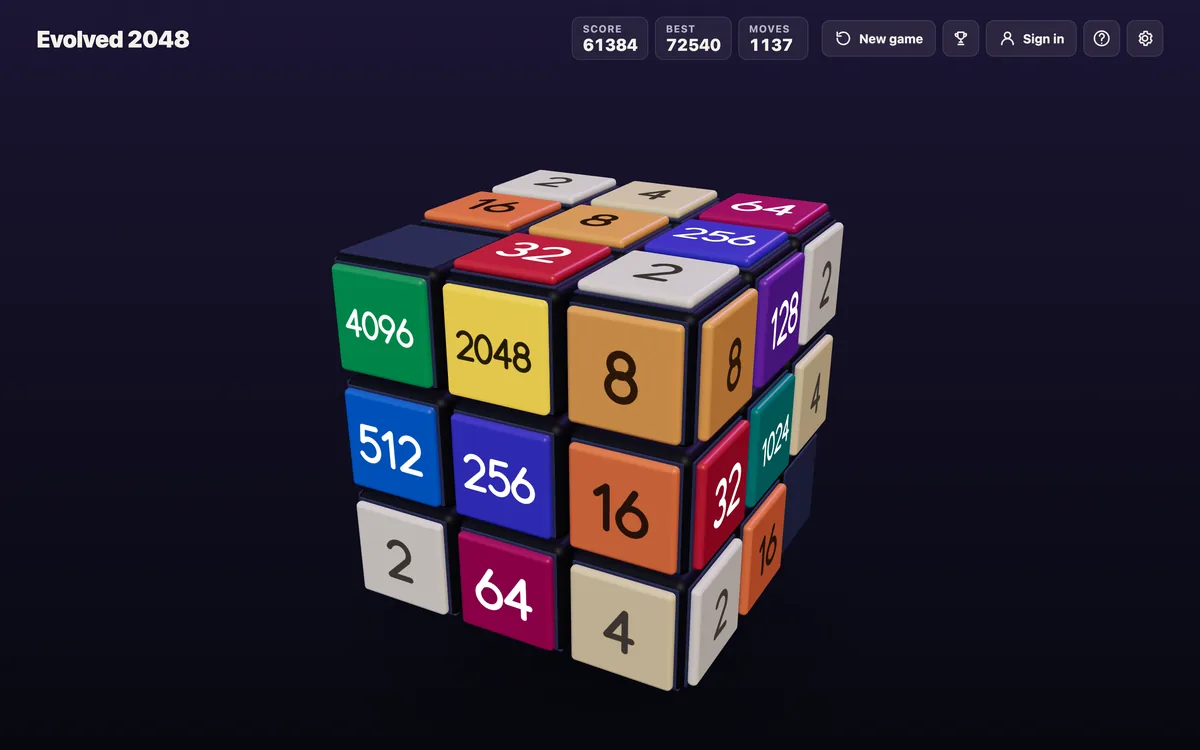
Why Best shows 0 in a new 2048 mode
The top bar of the game shows three boxes: Score, Best and Moves. Score is the game you are playing. Best is the highest score you have reached, but only in the mode that is running.
The game says so in its How to play box, under Modes: you pick one before each game, and each has its own best score. So Evolved, Edge and Fun each have their own Best.
If you played Evolved for a week, then picked Edge for the first time, Best reads 0. That is the Edge record, and you have not set one yet.
A live test: Evolved, then Edge, then Evolved again
This test was played on 20 October 2026 in a fresh browser, signed out, with a simple script pressing keys. It is one game in each mode, not an average.
- I picked Evolved and pressed 20 arrow keys (Left, Up, Right, Down in turn). One press moved nothing, so the bar read Score 96, Best 96, Moves 19.
- I pressed New game and picked Edge. The bar read Score 0, Best 0, Moves 0.
- I made 6 slides in Edge. The bar read Score 20, Best 20, Moves 6.
- I pressed New game and picked Evolved again. The bar read Score 0, Best 96, Moves 0.
- I reloaded the page. Best still read 96.
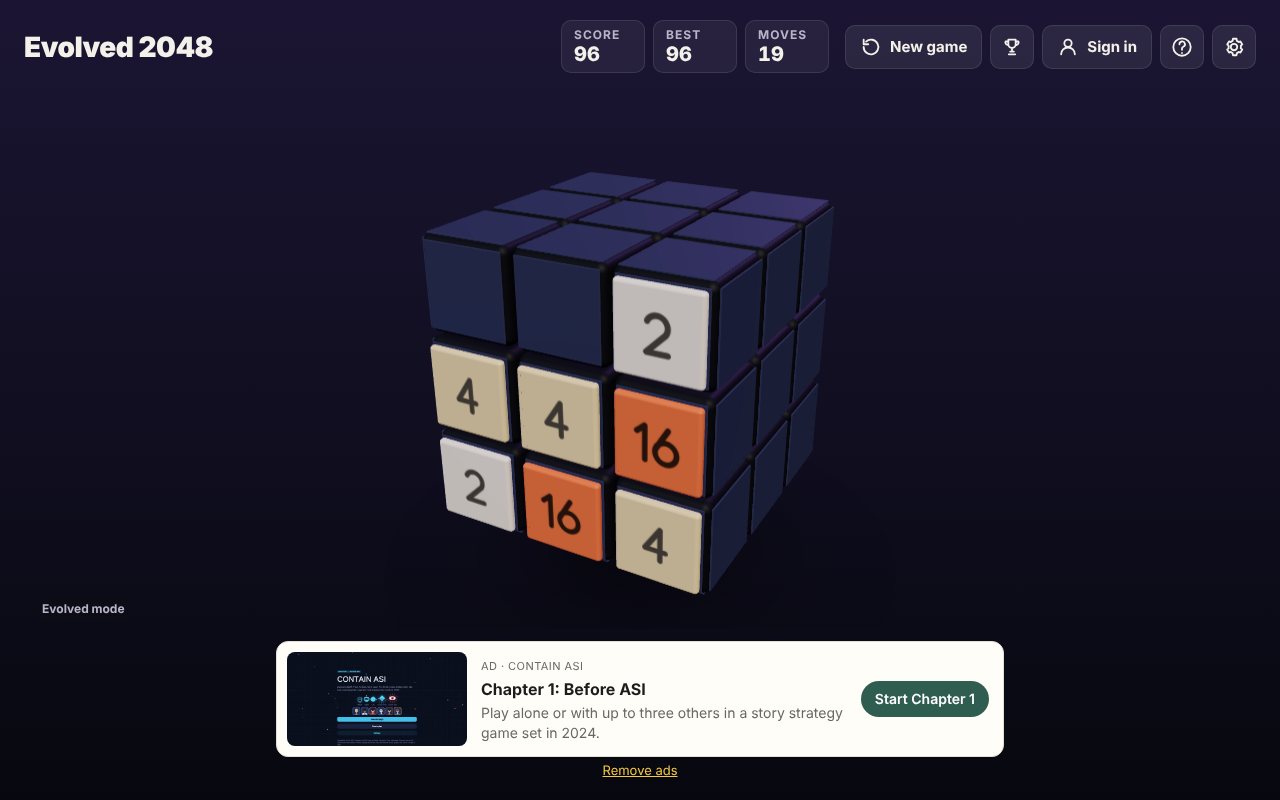
The Evolved record stayed at 96 the whole time. Playing Edge did not touch it and did not lower it. Edge built its own record of 20 next to it.
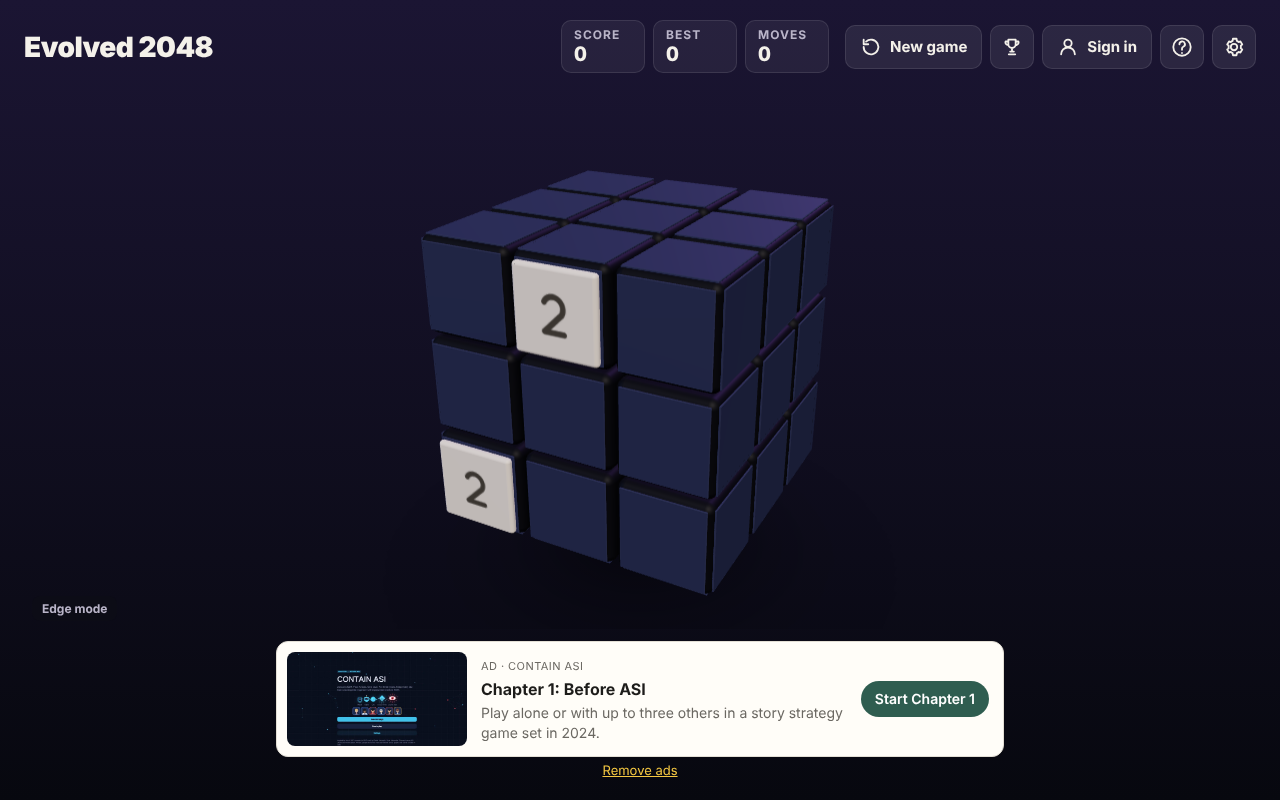
Where the numbers are kept
The game saves its best scores in your browser's local storage, under the key 3d2048.best. After the test above it held one value for each mode: evolved 96, edge 20 and rubik 0. Fun mode is stored under the name rubik, and it was still 0 because I had not played it.
The game's Settings box says: "Your game, best score and settings are saved on this device." The Privacy page says the same about your browser. So the records belong to the browser and device you played on. A different browser, or a private window, starts from 0 in all three modes.
How to get your old Best back on screen
Open the Pick a mode box and choose the mode you played before. Press New game, then pick it from the list. Its Best appears at once.
The bottom left of the game names the mode that is running ("Evolved mode", "Edge mode" or "Fun mode"), so you can check which record you are looking at. In the Pick a mode box, the running game's mode is tagged "this game".
Two details are worth knowing before you press anything:
- Picking a mode starts a new game, even if you pick the one that is already running.
- The box warns you: "This game ends and its score of N is kept only if it is your best." A game you walk away from still counts toward Best if its score beat the old one.
What does not reset your Best
Several things look like they might wipe a record, and in the test none of them did:
- New game. It resets Score and Moves, not Best.
- Switching modes. Each mode's record stays where it was.
- Reloading the page. Best came back as 96 after a reload.
What can wipe it is clearing your browser's site data. Our post on where the 2048 best score is kept tested deleting the 3d2048.best entry by hand: Best read 0 afterwards while the game in progress stayed. That test was played before the three modes arrived, so it was one score, not three.
Why the modes keep separate records
The modes play differently, so their scores do not compare fairly. In Edge mode, a slide towards an edge also merges the tile at that edge with an equal tile just over it, on the next face. In Fun mode, a slide runs each row or column all the way round the cube. Evolved plays the slide on the front face only, as in 2048.
A merge in Edge or Fun can happen where Evolved would have none, so one mode can score faster than another. Keeping a Best for each stops one mode's record from hiding the others. Our post on what the three modes change sets them side by side, and which mode to pick helps you choose.
A simple plan to build a record in every mode
Here is a short plan if you want all three Best boxes filled in, so none shows 0:
- Pick Evolved and play one full game. Note the Best.
- Press New game, close any ad with the cross at its top right, and pick Edge. Play one game and note the Best.
- Do the same with Fun.
- Go back to the mode you like most and try to beat its number.
Write the three numbers down. The game shows only the mode you are in, so a note on paper or in your phone saves you from switching modes just to look.
A full-screen ad for another vlvd.net site sometimes shows in front of the New game box. Its close cross is at the top right of the ad. If your tap on a mode seems to do nothing, an ad may be in front of it.
Frequently asked questions
Why does my best score show 0 in 2048?
You are in a mode you have not played before. Each mode keeps its own Best, so a new mode starts at 0 while your other records stay saved.
Did switching modes delete my old best score?
No. In the test, Evolved stayed at 96 while Edge went from 0 to 20. Pick the old mode again and its number comes back.
Does a new game reset my best score?
No. New game resets Score and Moves. Best changes only when a game's score beats it, in the mode you are playing.
Will I keep my best scores on another device?
The game says it saves your best score on this device, so a different browser or device starts from 0. I did not test signed-in play, so I cannot say what an account adds.
Can I see all three best scores at once?
The top bar shows only the running mode's Best. To read another mode's record, start a game in that mode.
Get started
Open the game, play a round in each mode and watch Best fill in as you go. Play Evolved 2048: it is free and plays in your browser on a computer or a phone.
Comments
No comments yet.
Sign in or make an account to comment.