How to go on a photo walk near home: a 20-minute plan
If you want to know how to go on a photo walk near home, the plan is simple: leave your door with your phone, pick three places to stop, and give yourself about 20 minutes. Living Streets, the UK walking charity, suggests it as one of its walking tips: try capturing your local park, a sunset or your town centre, and share the pictures with friends or family. You do not need a new route, a good camera or a free afternoon. You need a reason to look up.
If you want a stop on that walk with a little more to it, Cat Go is a game in your browser where you walk to treat stops on a map and photograph a real cat you meet, then keep it in your Catdex with its breed and the place you found it.
What a photo walk is, and why it works near home
A photo walk is a walk where taking pictures is the point. You walk a little, stop when something catches your eye, take a few shots, and walk on. It turns a route you have walked a hundred times into a search.
Living Streets puts it in its #Try20 tip "get snappy", one of 20 tips the charity wrote to help people fit 20 minutes of walking into their day. It says walking can help us feel connected to our community and those around us, and that a few pictures might "snap some long-lasting memories".
Near home is the best place to start, for three reasons:
- There is nothing to plan. Your street, the nearest park and the shops are already a route.
- You can go often. A short walk you can repeat is easier to keep up than a long one you save for weekends.
- Familiar places change. The light, the season and the people on the street are different every time.
What to take on a photo walk
Less than you think. The NHS walking page says any shoes that are comfortable, give good support and do not cause blisters will do. For a 20-minute walk near home, that and your phone are enough.
- Your phone, charged, with some space free for photos.
- Comfortable shoes.
- A layer for the weather. You stand still more on a photo walk than on a normal one.
- For a longer walk, the NHS suggests water, healthy snacks, a spare top, sunscreen and a sun hat in a small backpack.
Leave the extra gear at home for now. The habit matters more than the kit.
How to go on a photo walk near home: a 20-minute plan
Here is a plan that fits most streets. Three short walking stretches, three photo stops of about two minutes each, and a couple of minutes to head home.
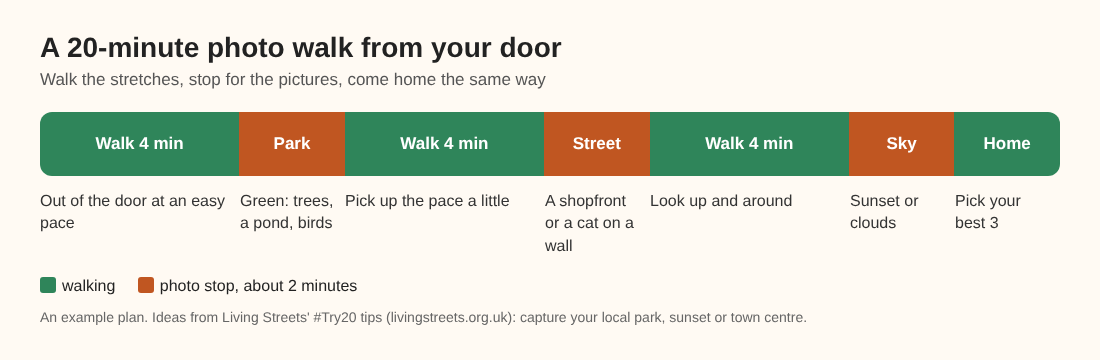
An example plan: walk four minutes, stop for two, three times over.
- Stop one: something green. Living Streets' tip "let nature guide you" suggests finding greenery, at a park, on a tree-lined street or at a local nature spot, and listening for bird song. Photograph one tree, one leaf or one patch of water, close up.
- Stop two: the street. A shopfront, a painted door, a bus stop at an odd angle, or a cat sitting on a wall. Pick one thing and take three versions of it: close, wide and from low down.
- Stop three: the sky. Living Streets names the sunset. Any sky works: clouds, a contrail, the light on the roofs.
Then walk home and, before you go in, choose your best three. That last step is what turns a camera roll into a record of the walk.
Keeping some of it brisk
A photo walk is stop and start, so it is slower than a plain walk. That is fine. If you also want the exercise, the NHS gives a simple guide.
It says a brisk 10-minute daily walk has lots of health benefits and counts toward the 150 minutes of weekly exercise in the adult guidelines. It describes a brisk walk as about 3 miles an hour, and says you are walking briskly if you can still talk but cannot sing the words to a song. If you are not very active yet, it says to build up your walking distance gradually.
So walk the stretches between stops at that pace, and take your time at the stops. In the plan above, that is 12 minutes of walking at the pace you choose. For more on pace, see what counts as a brisk walk.
Simple phone camera habits for better pictures
Cats Protection's photo tips are written for cats, but most of them hold for anything you photograph on a walk.
- Watch the light. A subject with the light behind it will come out dark, like a silhouette. Try to have soft light behind you or falling on your subject.
- Do not zoom. The charity says zooming on a smartphone lowers the quality, and it is better to crop afterwards. Walk closer instead.
- Tap to focus. Tap the screen on the thing that matters just before you take the shot. For a cat, the charity says, focus on its eyes.
- Take several. Burst or continuous shooting takes several shots in a row, which raises your chances of a sharp one. Delete the blurry ones later.
- Flash off for animals. The charity says a flash could startle a cat.
For more on photographing cats you meet, see how to photograph a cat with your phone.
A worked example: a Tuesday evening loop
Say you have 20 minutes after dinner. You leave the house, turn toward the small park two streets away, and walk at an easy pace for four minutes.
- At the park gate, you stop by a tree whose leaves are turning. You take three close shots of one leaf, with the low sun behind you, not behind the leaf.
- You walk four minutes along the row of shops, a little faster: quick enough that you could still talk but not sing. A grey cat is sitting on a low wall outside the bakery.
- You stop at the end of the road, where you can see over the roofs, and take the sky as the sun goes down.
- You walk home and pick three: the leaf, the cat and the sky. You send them to a friend, as Living Streets suggests.
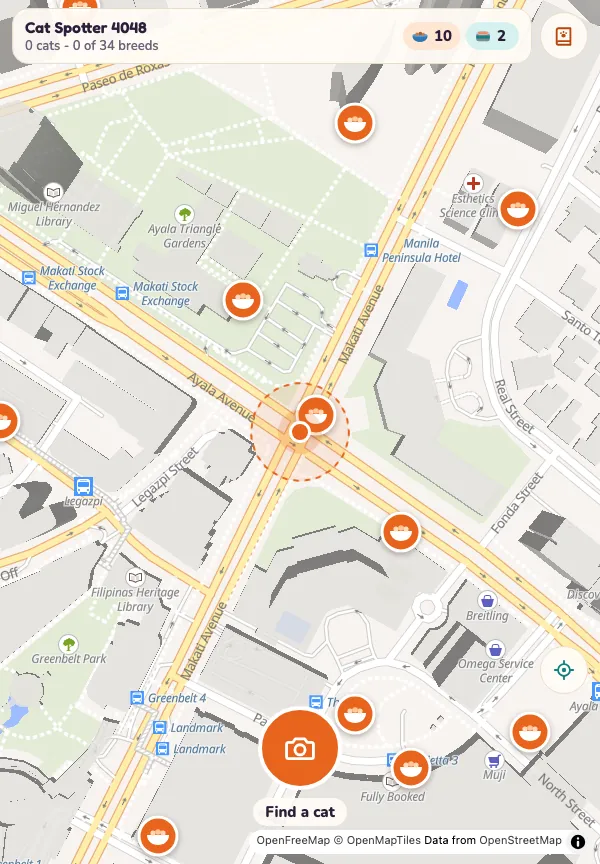
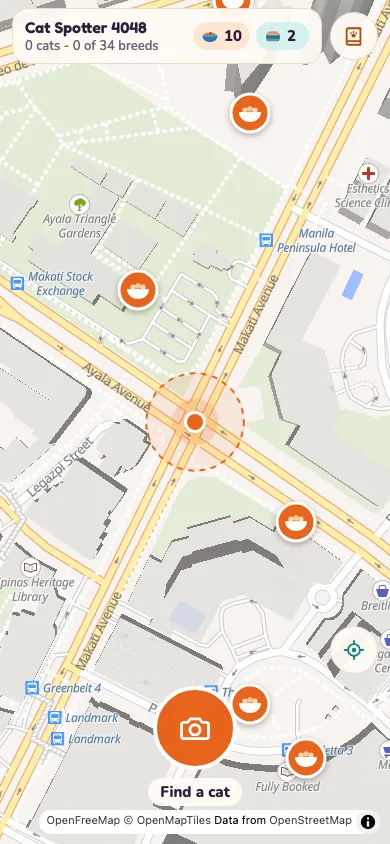
In Cat Go, the cat on the wall is also a catch. You open the game, tap the camera on the map and "Fit the whole cat in the frame". The game asks which breed it is, and says "Mixed breed is always a safe pick". You win it over with in-game treats on the screen, and it is saved to your Catdex with its breed and the place you found it. You never need to go closer than the pavement. The map's treat stops give your route a few more places to aim for: the card tells you to walk within a set distance to collect kibble, and sometimes tuna.
Frequently asked questions
Do I need a good camera for a photo walk?
No. Living Streets suggests using your camera or smartphone, and a phone is enough near home. Getting closer instead of zooming does more for a picture than new kit.
How long should a photo walk be?
Living Streets' tips are built around 20 minutes of walking a day, which is a good length to start. The NHS says even a brisk 10-minute daily walk has health benefits.
What should I photograph on a walk near home?
Living Streets names your local park, a sunset and your town centre. Its other tips add greenery, bird song, and the sights, smells and sounds you notice as you go.
Does a photo walk count as exercise?
The walking parts do. The NHS says a brisk walk is one where you can still talk but cannot sing, so walk the stretches between stops at that pace.
Get started
Pick tonight's three stops before you put your shoes on: something green, something on the street, and the sky. If a cat turns up on the way, Cat Go will keep it for you, with its breed and the place you met it. It plays in your browser and needs your camera and location allowed.
Play Cat Go in your browser: walk anywhere, photograph a real cat, lure it with food and catch it.
Walk anywhere, find a real cat, and catch it.
Visit catgo.vlvd.net↗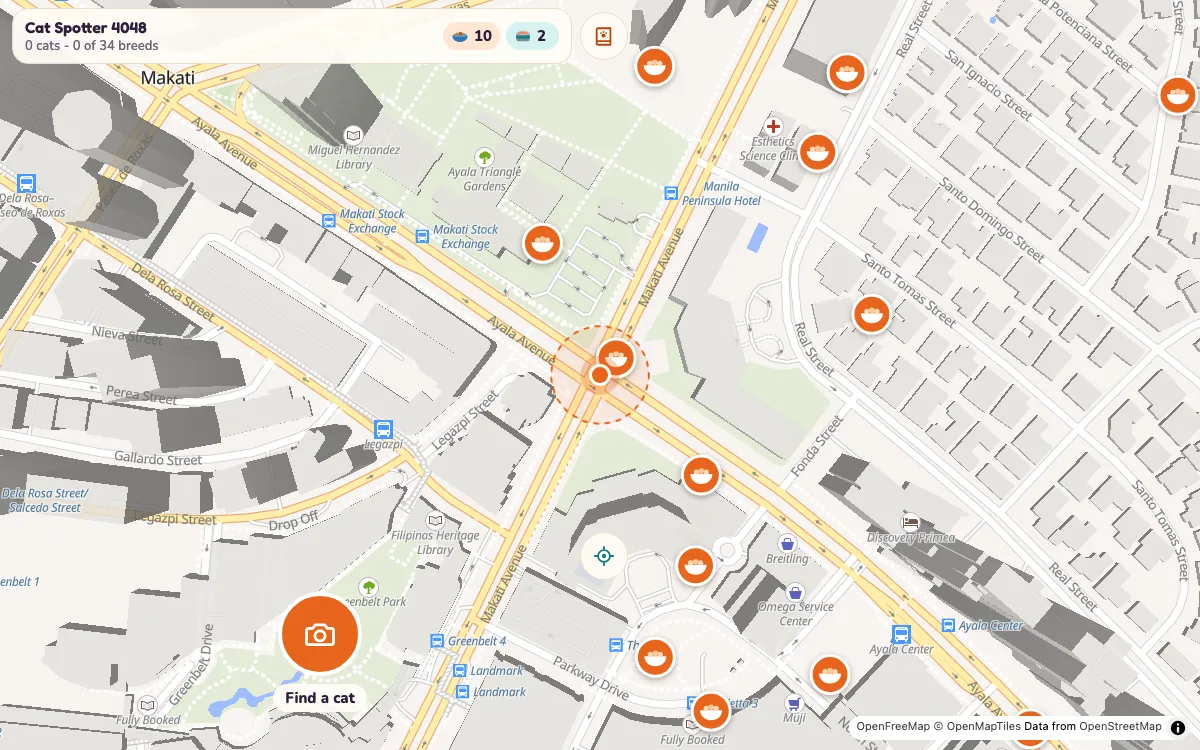
Comments
No comments yet.