What Happens to a Browser Game When You Switch Tabs?
What happens to a browser game when you switch tabs? In most cases the browser slows it down or stops it. A hidden tab gets fewer animation frames (often none), its timers run less often, and the game waits until you return. What you see when you come back depends on how the game was built: it may be paused, it may jump ahead, or it may glitch for a moment.
To see this with a real game, Tank City Reboot gives you two free tank games that run in your browser on a computer or a phone. It has a pause key, it releases your touch buttons when you leave the tab, and it never moves more than a thirtieth of a second in one frame, so a long absence does not turn into one giant leap.
A browser game when you switch tabs: the short answer
Browsers save battery and processor time by limiting work in tabs you cannot see. A game in a hidden tab usually freezes in place. Its picture stops updating, its game loop stops or crawls, and its sound may keep playing or go quiet depending on the browser.
Nothing is deleted. The page is still loaded and its memory is still there. When you switch back, the game picks up again. Whether it picks up well is up to the people who made it.
How browsers throttle background tabs: requestAnimationFrame, timers, and audio
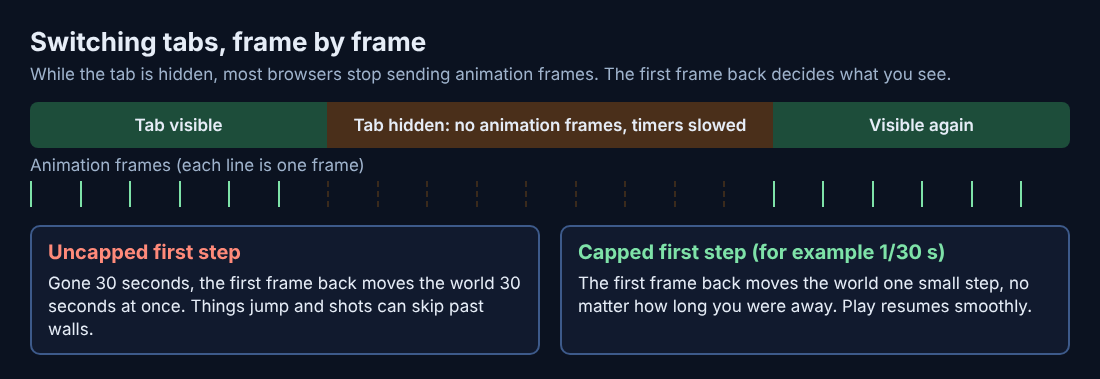
Most browser games draw each frame inside a function called requestAnimationFrame. The browser calls it once before each screen refresh, which is often 60 times a second. When the tab is hidden, MDN's Page Visibility API page says most browsers stop calling it. No calls means no frames, and in many games no frames means no game logic either.
Some games use timers instead, such as setTimeout or setInterval. Browsers limit these in hidden tabs too. MDN's setTimeout page gives the details: Firefox on a computer waits at least 1 second between timers in an inactive tab, and Chrome checks such timers once per second. Since Chrome 88, a page hidden for more than 5 minutes that keeps chaining timers is throttled harder still. Firefox for Android waits at least 15 minutes and may unload the tab entirely.
Audio is the usual exception. The same MDN page says the limit may be waived for a page playing sound through the Web Audio API, and Chrome treats a page that made sound recently as active. That is why some games keep running in the background while their music is on.
Why some games freeze while others keep running or desync
A game loop has to answer one question every frame: how much time has passed? There are three common answers, and each behaves differently when you leave.
- Fixed steps per frame. The game moves everything a set amount each frame. No frames in the background means nothing moves. You come back to a frozen scene that starts again exactly where it stopped.
- Real elapsed time. The game measures the clock and moves things by however much time passed. If you were gone for 30 seconds, the first frame back may try to simulate all 30 seconds at once. Enemies jump, shots pass through walls, and you may lose a life before the screen even draws.
- Capped elapsed time. The game measures the clock but refuses to step more than a small amount per frame. A long gap becomes one short step, and play resumes smoothly.
Tank City Reboot uses the third approach. Each frame's time step is capped at 1/30 of a second. If your browser held the game back while you were in another tab, the first frame back advances at most that much, not the whole time you were away. The post on delta time in games explains the clock behind this.
Desync is a related problem. If a game runs its physics on one timer and its sound or music on another, the browser may throttle them differently. You come back and the music is ahead of the action, or an animation finishes before the effect it belongs to.
The Page Visibility API: how games detect when you leave
Browsers tell a page when it is hidden. The tool is called the Page Visibility API. A game reads document.visibilityState, which is "visible" or "hidden", and listens for the visibilitychange event that fires when you switch tabs or minimize the window.
A game can also watch for focus. When you click another window, the page loses focus even if it is still on screen. Keyboard input then goes somewhere else, which is why a game that worked a second ago suddenly ignores your arrow keys.
A simple pattern looks like this: on visibilitychange, if the state is hidden, pause the game and release any held inputs. When the state is visible again, reset the frame clock so the next step starts small.
What good browser games do: auto-pause, saved state, and clean resume
Well-behaved games handle the switch in a few ways.
- Pause on leave. Some games open their pause screen as soon as the tab is hidden. You come back to a menu, not a fight already in progress. Our explainer on what happens when you pause a game covers what a pause screen actually stops.
- Release held inputs. If you were holding a button when you left, the game may never see you let go. The tank keeps driving, or the gun keeps firing. A careful game treats leaving the tab as letting go of everything.
- Keep important data. A best score or a saved run can be written to browser storage so it survives even if the tab is closed.
- Resume small. Cap the first step back so nothing teleports.
Here is how this works in Tank City Reboot. The game page listens for visibilitychange, and when you switch away from the tab, every touch button is released, so you do not return to a tank stuck firing or rolling into a wall. In the first game, P, Enter or Escape pauses play and shows PAUSED, and pressing it again resumes. Both games remember your best score in that browser, so closing the tab does not erase it.
A worked example: you are on stage 3, COOLANT, with a few malware tanks left. A message comes in. Press P, see PAUSED, switch tabs and reply. Come back, press P again, and play resumes. If your keys do nothing, click or tap the game once. Keys reach the game only while it has focus, and while it has focus the arrow keys and Space do not scroll the page. Our post on why arrow keys scroll the page in browser games explains that focus problem in more detail.
Online games in background tabs: lag, disconnects, and timeouts
Games that talk to a server have a harder time. The server keeps going while your tab is throttled. Your game may stop sending updates, or send them late.
- Lag on return. The game has to catch up with everything that changed on the server. You may see players jump to new spots.
- Disconnects. If the server expects a regular signal and does not get one, it may decide you left.
- Timeouts. Turn-based games often give you a time limit. The clock runs on the server, not in your tab, so it keeps counting while you are away.
Tank City Reboot does not have this problem in the same way. You are not playing against other people online, and the game runs on your own device, so there is no server clock to fall behind.
Tips for players: keep your game running or safe when you switch tabs
- Pause first. Use the game's pause key before you leave. Do not count on it pausing by itself.
- Let go of every key. Release movement and fire before switching. Some games do not notice a key that was released in another tab.
- Click the game when you return. This gives it focus so your keys go to the game, not the page.
- Use a separate window for long waits. If you need a game to keep running, put it in its own window that stays visible. A visible window is throttled less than a hidden tab.
- On a phone, expect a full stop. Some mobile browsers may unload a hidden tab entirely. Pause before you open another app.
Frequently asked questions
Does switching tabs pause a browser game?
Often it stops the game in practice, because the browser stops sending animation frames to hidden tabs. A true pause, with a pause screen and a clean resume, only happens if the game was built to do that or you press pause yourself.
Why does my game speed up or glitch when I come back to the tab?
The game measured how much time passed while you were gone and tried to simulate it all in one frame. Games that cap each step, as Tank City Reboot does at 1/30 of a second per frame, avoid that jump.
Will I lose progress if I leave a browser game in a background tab?
Usually not, as long as the tab stays open. The page and its memory stay loaded. Closing the tab is different: only what the game saved to browser storage, like a best score, will still be there.
Does minimizing the browser window have the same effect as switching tabs?
Mostly yes. MDN lists minimizing the window next to switching tabs as a change that makes the page hidden, so games and timers get throttled the same way.
Get started: play Tank City Reboot, which pauses and resumes cleanly
Try it yourself. Start a stage, press P, switch to another tab, then come back and press P again to resume. If you want a faster game with dashes and upgrades, Tank City Zero Day runs in the same browser player.
Play Tank City Reboot: it is free, plays in your browser on a computer or a phone, and needs no account.
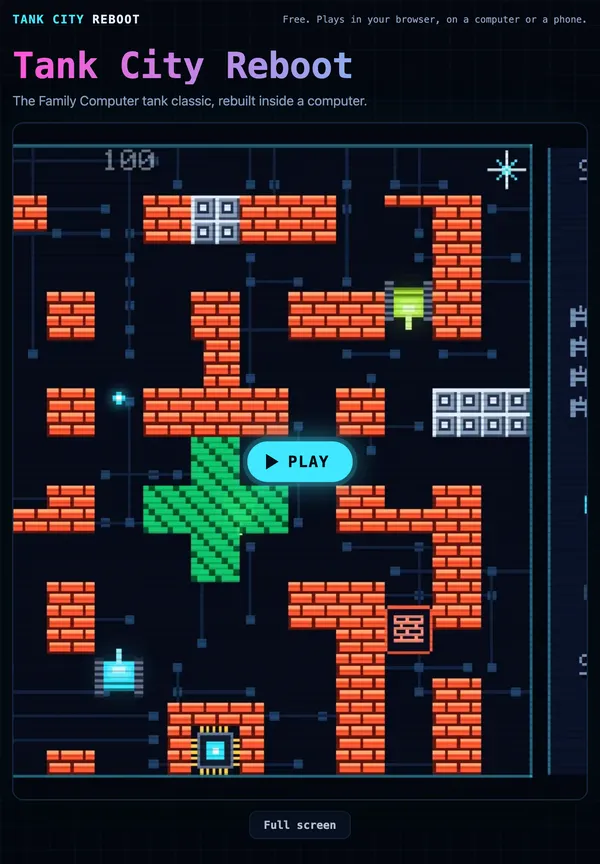
The Family Computer tank classic, rebuilt inside a computer.
Visit tankcityreboot.vlvd.net↗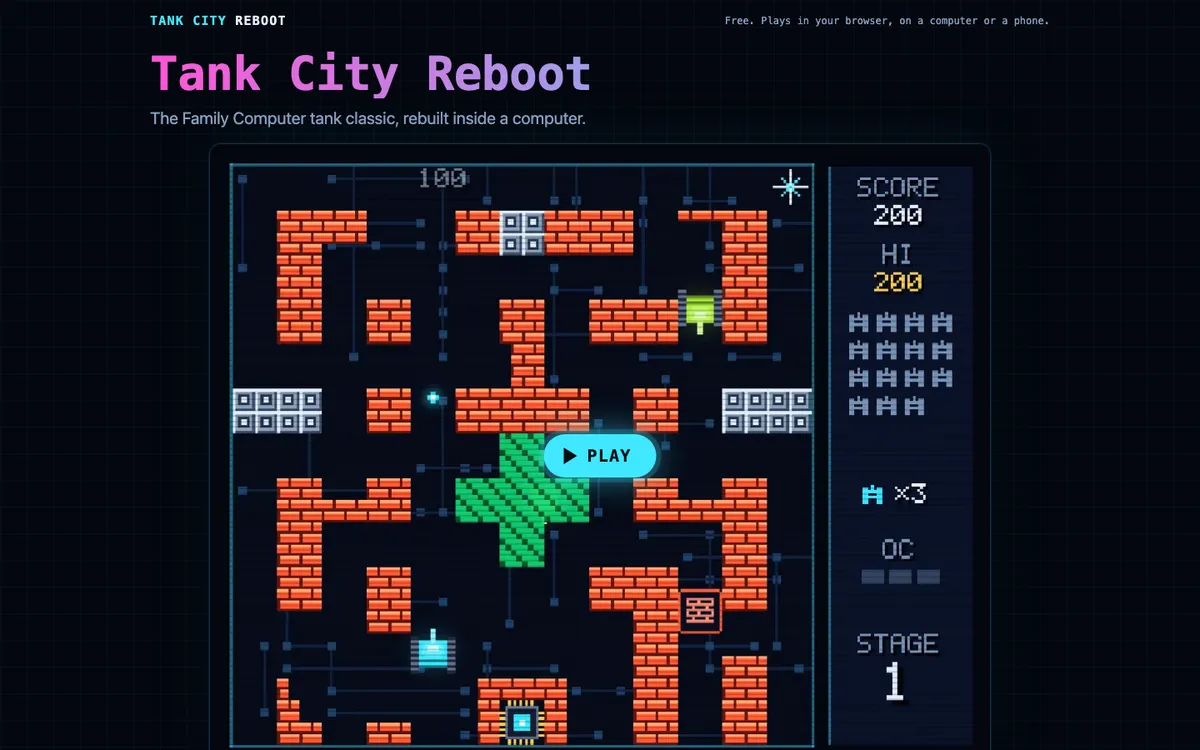
Comments
No comments yet.